
Unblur photos online — free
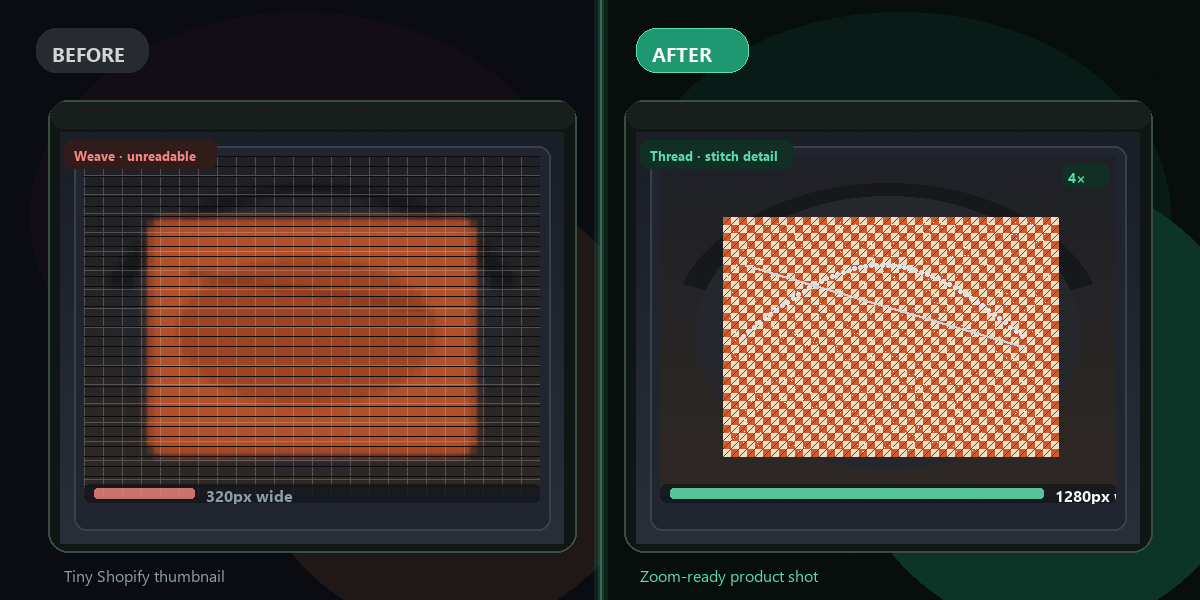
Blurry screenshot, old family photo, or low-res export? AI upscaling makes it sharp again — up to 4× resolution.
- No watermarks
- Works on mobile
- First fix free, no signup
 FixTheFile AI Studio
- 1Upload
- 2Pick a fix
- 3Download
- 1Upload
- 2Pick a fix
- 3Download
Drop any file. AI picks the fix.
Images, audio, video, PDF, Word and ZIP — up to 500MB. Or click anywhere to browse.
image → upscale · audio → clean noise · video → extract audio · pdf → text · zip → repair
How it works
How to unblur a photo online
Upload your blurry image
JPG, PNG, WEBP, or HEIC — up to 500MB.
Select "Upscale image"
Real-ESRGAN AI reconstructs detail instead of just stretching pixels.
Download the sharp result
Get up to 4× resolution — ready to print or share.
Why FixTheFile
AI photo unblur that actually works
Real-ESRGAN AI
Reconstructs detail — not a simple sharpen filter.
Up to 4× resolution
Turn 480px thumbnails into print-ready images.
No signup for first fix
Try instantly in your browser.
Works on any device
Phone, tablet, laptop — no app install.
Private processing
Your photos are never reviewed by humans.
Also removes noise
Combine with other FixTheFile tools after upscaling.
Can I unblur a photo for free?+
Yes — upload to FixTheFile and select Upscale image. First fix is free.
How much sharper will my photo get?+
Up to 4× resolution with AI detail recovery.
Does it work on extremely blurry photos?+
Best results on mildly blurry or low-res images. Heavily motion-blurred shots may improve partially.
What formats are supported?+
JPG, PNG, WEBP, GIF, HEIC.
Is this the same as Photoshop sharpen?+
No — AI upscaling adds new detail; sharpen filters only enhance existing pixels.
Ready to get started?
No software needed. Works on any device. First fix is free.
Unblur my photo free