Transcribe audio to text online — free
Turn any audio or video file into accurate text using OpenAI Whisper AI. Supports 50+ languages. Interviews, podcasts, meetings — done in minutes.
- No watermarks
- Works on mobile
- First fix free, no signup
 FixTheFile AI Studio
- 1Upload
- 2Pick a fix
- 3Download
- 1Upload
- 2Pick a fix
- 3Download
Drop any file. AI picks the fix.
Images, audio, video, PDF, Word and ZIP — up to 500MB. Or click anywhere to browse.
image → upscale · audio → clean noise · video → extract audio · pdf → text · zip → repair
How it works
How to transcribe audio online
Upload your file
Drop any audio (MP3, WAV, FLAC) or video (MP4, MOV) file.
Select "Transcribe to text"
Whisper AI analyses every word in your recording.
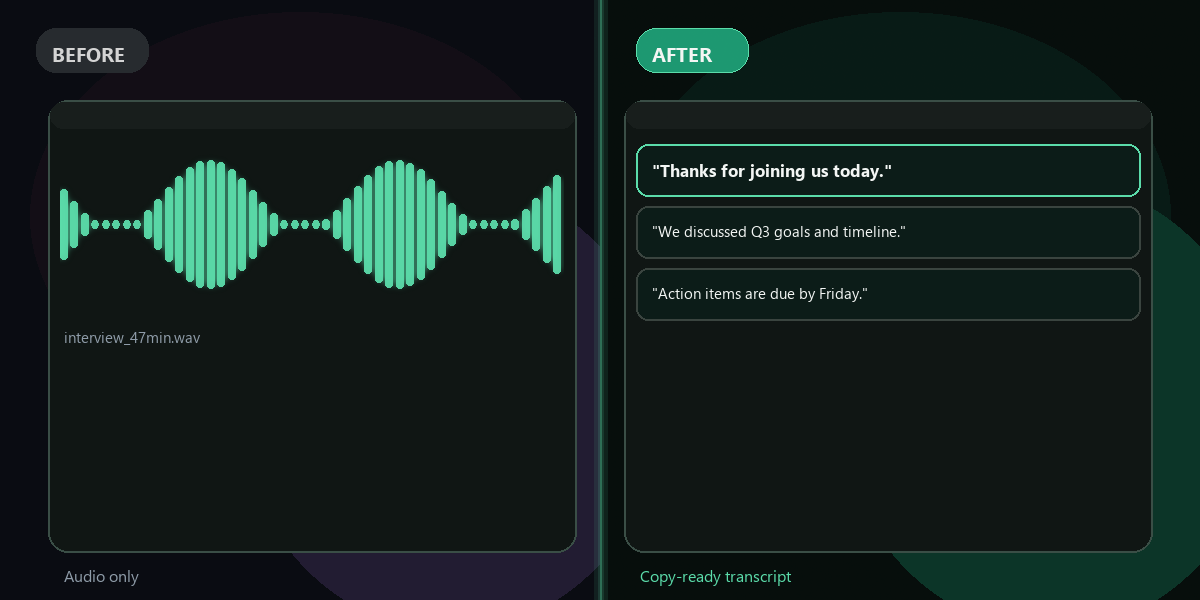
Copy your transcript
Your full transcription appears on screen, ready to copy.
Why FixTheFile
Accurate speech-to-text, instantly
Powered by OpenAI Whisper
One of the most accurate AI transcription models
50+ languages supported
Multilingual transcription out of the box
Audio and video files
MP3, WAV, FLAC, MP4, MOV, AVI, WEBM
No signup needed
First transcription is free and instant
Handles accents and noise
Reliable even with imperfect recordings
Private and secure
Files not stored permanently, never shared
Can I transcribe audio to text online for free?+
Yes — FixTheFile transcribes audio and video files to text online for free using OpenAI Whisper. No signup or software needed for your first transcription.
What languages are supported?+
OpenAI Whisper supports over 50 languages including English, Spanish, French, German, Chinese, Japanese, Arabic, Portuguese, and many more. Language is detected automatically.
Can FixTheFile transcribe video files?+
Yes — FixTheFile transcribes both audio files (MP3, WAV, FLAC, AAC, M4A) and video files (MP4, MOV, AVI, MKV, WEBM). It extracts the audio track and transcribes it.
How accurate is the transcription?+
FixTheFile uses OpenAI Whisper, one of the most accurate publicly available speech recognition models. It handles accents, background noise, and natural speech very well.
How long does transcription take?+
Transcription typically takes 1–3 minutes for a typical recording. Longer files may take a few more minutes. Processing speed depends on file length and audio quality.
Related tools
More transcription tools
Ready to transcribe your audio?
No software needed. Works on any device. First fix is free.
Transcribe audio free