
Convert voice memo to text online — free
Quick voice note you'd rather read than relisten to? Convert it to text instantly. No app, no signup, no watermark.
- No watermarks
- Works on mobile
- First fix free, no signup
 FixTheFile AI Studio
- 1Upload
- 2Pick a fix
- 3Download
- 1Upload
- 2Pick a fix
- 3Download
Drop any file. AI picks the fix.
Images, audio, video, PDF, Word and ZIP — up to 500MB. Or click anywhere to browse.
image → upscale · audio → clean noise · video → extract audio · pdf → text · zip → repair
How it works
How to convert a voice memo to text
Upload your voice memo
Drag and drop your voice note — any common audio format works.
Select "Transcribe speech"
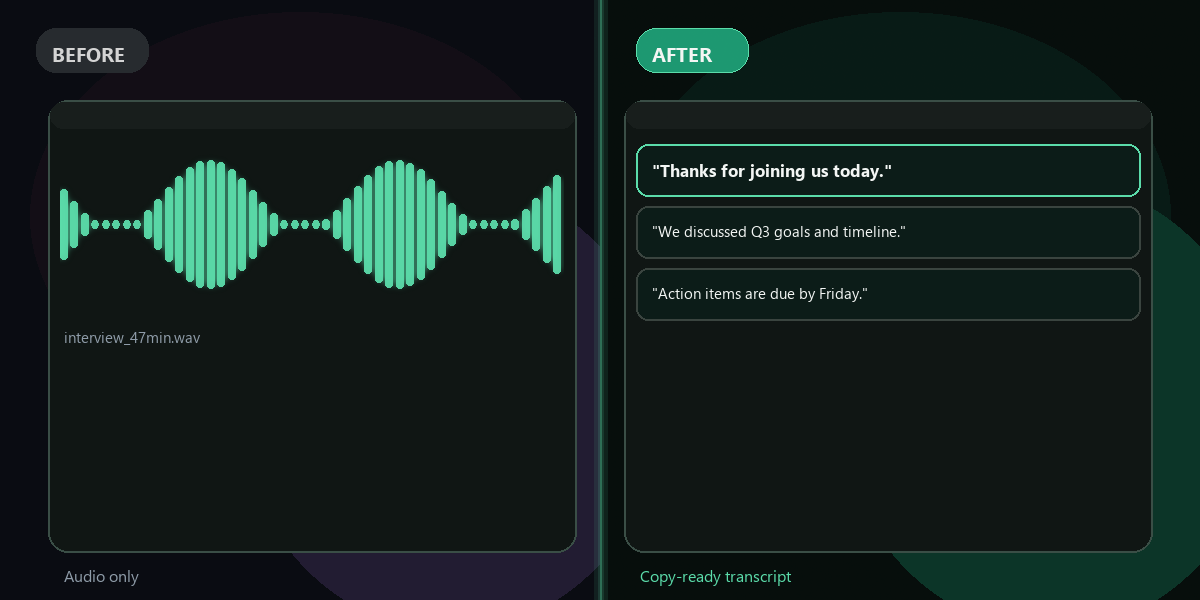
FixTheFile converts your voice memo into written text.
Download your text
Your transcript downloads directly — no email needed.
Why FixTheFile
The easiest voice memo to text converter
Accurate AI transcription
Captures spoken words with high accuracy
No watermark
Your transcript is clean, no branding added
No signup needed
Convert instantly, no account or email required
Works on any device
Browser-based, no app to install on Mac, Windows, or Android
Private and secure
Files not stored permanently, never shared
Great for quick notes and reminders
Read instead of relisten
How do I convert a voice memo to text for free?+
Upload your voice memo to FixTheFile and select "Transcribe speech". Your text downloads instantly.
What format should my voice memo be in?+
Most common audio formats work, including the default format used by iPhone and Android voice memo apps.
Is this faster than typing it myself?+
Yes — uploading and transcribing usually takes a fraction of the time it would take to type out a memo manually, especially for longer notes.
Can I transcribe multiple voice memos at once?+
Currently FixTheFile processes one file at a time. Upload each voice memo individually to convert it to text.
Does it work with background noise, like recording on the street?+
FixTheFile handles moderate background noise reasonably well, but for best accuracy, a quieter recording works better. You can also use FixTheFile's "Clean up audio noise" tool first.
Related tools
More file fixing tools
Ready to convert your voice memo?
No software needed. Works on any device. First fix is free.
Convert my voice memo free