
Convert any file format online — free
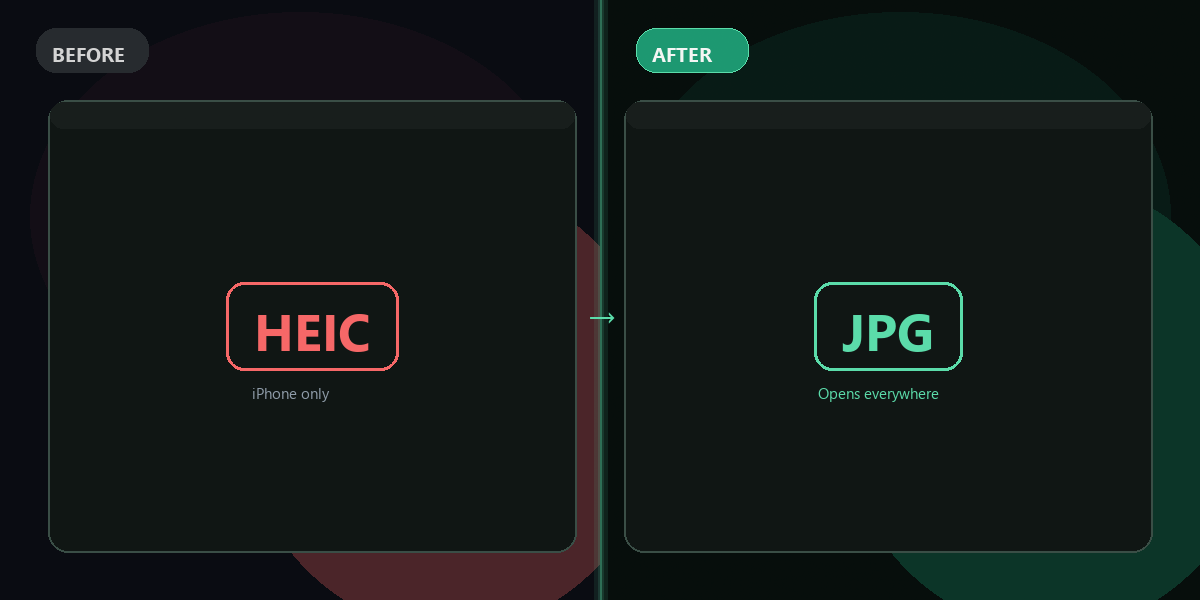
PNG to JPG, MP4 to MP3, HEIC to JPEG, WAV to FLAC — switch between formats in one click. No software, no signup needed.
- No watermarks
- Works on mobile
- First fix free, no signup
 FixTheFile AI Studio
- 1Upload
- 2Pick a fix
- 3Download
- 1Upload
- 2Pick a fix
- 3Download
Drop any file. AI picks the fix.
Images, audio, video, PDF, Word and ZIP — up to 500MB. Or click anywhere to browse.
image → upscale · audio → clean noise · video → extract audio · pdf → text · zip → repair
How it works
How to convert file formats online
Upload your file
Drop any image, audio, or video file — up to 500MB.
Select "Convert format"
Choose your target format from the dropdown.
Download the result
Your converted file is ready in seconds, no watermarks.
Why FixTheFile
The fastest online file converter
Powered by FFmpeg
Fast, reliable, high-quality conversions
Images, audio & video
One tool converts everything
No signup needed
First conversion is instant and free
No watermarks
Your converted file is clean and ready to use
Works on any device
Browser-based, no installation
Private and secure
Files not stored permanently
Can I convert file formats online for free?+
Yes — FixTheFile converts image, audio, and video file formats online for free. No signup needed for your first conversion.
How do I convert PNG to JPG online?+
Upload your PNG image on FixTheFile, select "Convert format," and choose JPG as the target format. Your converted image downloads in seconds — no watermarks.
Can I convert MP4 to MP3 for free?+
Yes — upload your MP4 video, select "Convert format" and choose MP3, or use "Extract audio" for a direct video-to-audio conversion. Both are free with no watermarks.
What formats does FixTheFile support?+
Images: JPG, PNG, WEBP. Audio: MP3, WAV, FLAC. Video: MP4, MOV, WEBM. All conversions use FFmpeg for fast, reliable, high-quality results.
Are there any watermarks on converted files?+
No — FixTheFile adds no watermarks to any converted file. Your output is clean and ready to use immediately.
Related tools
More conversion tools
Ready to convert your file?
No software needed. Works on any device. First fix is free.
Convert file free