
Repair corrupt ZIP files — free
Recover files from truncated, damaged, or partially corrupt ZIP archives. No software needed. Works directly in your browser.
- No watermarks
- Works on mobile
- First fix free, no signup
 FixTheFile AI Studio
- 1Upload
- 2Pick a fix
- 3Download
- 1Upload
- 2Pick a fix
- 3Download
Drop any file. AI picks the fix.
Images, audio, video, PDF, Word and ZIP — up to 500MB. Or click anywhere to browse.
image → upscale · audio → clean noise · video → extract audio · pdf → text · zip → repair
How it works
How to repair a corrupt ZIP file
Upload your ZIP
Drop your damaged or unreadable ZIP file — up to 500MB.
Select "Repair ZIP"
FixTheFile scans the raw file structure to recover every readable file inside.
Download the repaired ZIP
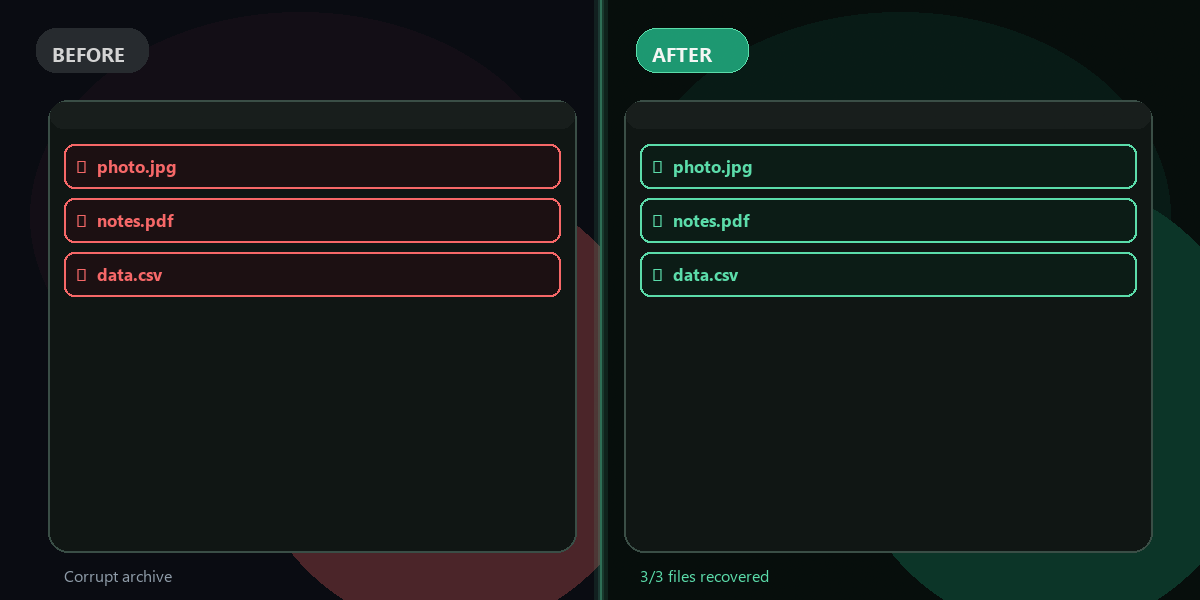
A new valid ZIP is created with all recovered files. Download it instantly.
What it recovers
Corruption types handled
Truncated ZIP (missing central directory)
✓ RecoverableThe file was cut short — e.g. a download interrupted or a crash while writing. FixTheFile scans forward for local file headers and recovers all files it finds.
Missing or corrupt EOCD
✓ RecoverableThe End of Central Directory record at the tail of the file is damaged or gone. FixTheFile rebuilds the archive from raw local file headers.
Corrupt local file headers (central directory intact)
✓ RecoverableIndividual file header metadata is damaged. FixTheFile uses the central directory as a fallback reference and recovers intact files.
Bad CRC / bit-flipped data
⚠ Partial recoveryRandom bit errors in the compressed data. Files with intact structure are fully recovered. Files whose compressed bytes are physically destroyed cannot be reconstructed — they are skipped.
Why FixTheFile
The fastest free ZIP repair tool
No WinRAR, no 7-Zip
Works directly in your browser, zero software to install
Recovers 80–90% of files
across all common corruption scenarios
No signup needed
First repair is free and instant
Shows recovery count
Tells you exactly how many files were recovered vs. found
No watermarks
The repaired ZIP is clean and ready to use
Private and secure
Files are not stored permanently
Can I repair a corrupt ZIP file online for free?+
Yes — FixTheFile repairs corrupt ZIP archives online for free using raw file structure scanning and zlib decompression. No signup needed for your first repair. ZIP files only — RAR is not supported.
What types of ZIP corruption can this tool fix?+
FixTheFile handles: truncated ZIPs (where the central directory is missing due to interrupted downloads or crashes), missing EOCD records, corrupt local file headers, and bad CRC entries. It recovers 80–90% of files across these scenarios. Files whose compressed data is physically destroyed (bit rot in the actual compressed bytes) cannot be recovered by any tool.
Can FixTheFile repair RAR files?+
No — RAR repair requires the proprietary WinRAR binary and is not available as a free web tool. FixTheFile repairs ZIP files only. If you have a RAR file, try extracting it with 7-Zip (free download), then re-compress as ZIP if needed.
What do I get if some files are too corrupt to recover?+
The repaired ZIP contains every file FixTheFile could recover. Skipped files are listed in the result so you know exactly what was and wasn't recovered. The result also shows recovered / total count.
How is the ZIP repaired — what technique does it use?+
FixTheFile first tries standard Python ZIP reading. If that fails, it scans the raw bytes for local file header signatures (PK\x03\x04), reads each file's compressed data, attempts zlib decompression, and writes a fresh valid ZIP containing all recoverable files. This works even when the ZIP's central directory and EOCD are completely missing.
Related tools
More file recovery tools
Recover your files from a corrupt ZIP
No software needed. Works on any device. First repair is free. ZIP files only.
Repair ZIP file free