
Remove noise from audio online — free
Remove background hiss, static, and noise from any audio recording using AI. Perfect for podcasts, interviews, and voice memos. No software needed.
- No watermarks
- Works on mobile
- First fix free, no signup
 FixTheFile AI Studio
- 1Upload
- 2Pick a fix
- 3Download
- 1Upload
- 2Pick a fix
- 3Download
Drop any file. AI picks the fix.
Images, audio, video, PDF, Word and ZIP — up to 500MB. Or click anywhere to browse.
image → upscale · audio → clean noise · video → extract audio · pdf → text · zip → repair
How it works
How to remove audio noise online
Upload your audio
Drop any MP3, WAV, FLAC, or AAC file — up to 500MB.
Select "Remove noise"
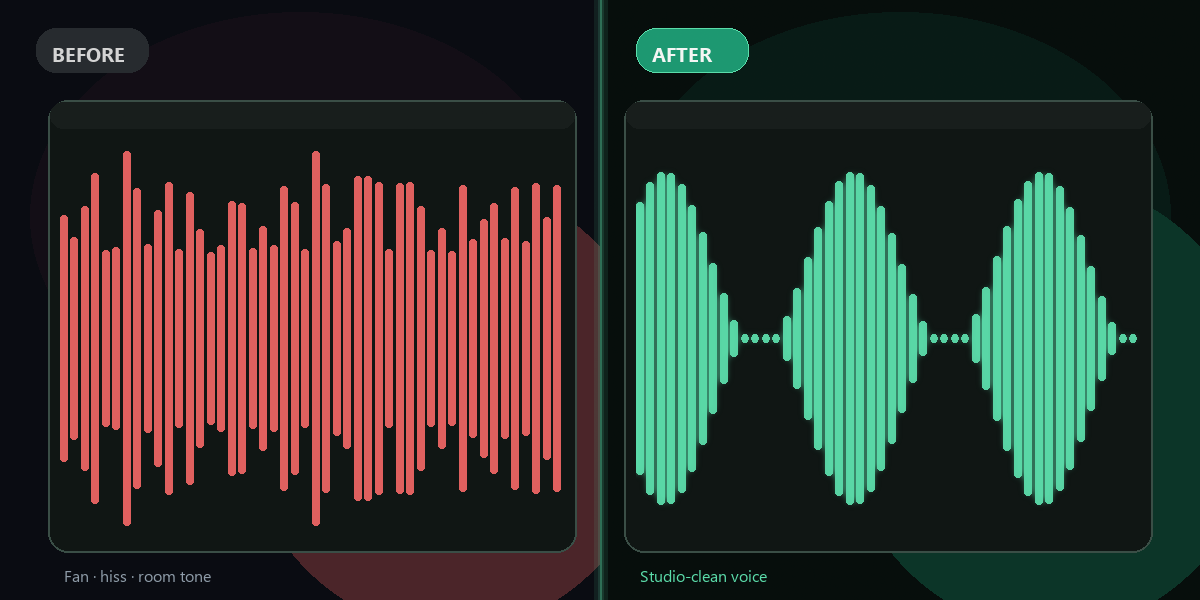
AI identifies and removes background noise while preserving speech.
Download clean audio
Your noise-free recording is ready in minutes.
Why FixTheFile
Studio-quality noise removal, for free
AI-powered noise reduction
Resemble AI targets noise without harming voice quality
Removes hiss, static, echo
Tackles most common recording problems
No signup needed
First noise removal is free and instant
Great for podcasts and interviews
Professional results without professional gear
Supports MP3, WAV, FLAC, AAC
All major audio formats
Private and secure
Files not stored permanently
Can I remove background noise from audio online for free?+
Yes — FixTheFile removes background noise from any audio file online for free. Upload your recording and select "Remove noise." No signup needed for your first fix.
What types of noise can be removed?+
FixTheFile removes hiss, static, HVAC noise, keyboard sounds, background chatter, room echo, and other common audio noise types. It uses Resemble AI's enhance model.
What audio formats are supported?+
FixTheFile supports MP3, WAV, FLAC, AAC, and M4A for noise removal. The cleaned audio is returned as a high-quality file in a compatible format.
Will it affect the voice quality?+
FixTheFile's AI specifically targets noise frequencies while preserving the clarity and naturalness of speech. The result is noticeably cleaner audio without distortion.
Does it work for podcast recordings?+
Yes — FixTheFile is ideal for cleaning podcast episodes, YouTube audio, interview recordings, voice memos, and any content recorded in imperfect acoustic conditions.
Related tools
More audio fixing tools
Ready to clean up your audio?
No software needed. Works on any device. First fix is free.
Remove audio noise free