
Clean up your voice memo audio — free
Recorded a voice memo in a noisy place? Clean up the background noise instantly. No app, no signup, no watermark.
- No watermarks
- Works on mobile
- First fix free, no signup
 FixTheFile AI Studio
- 1Upload
- 2Pick a fix
- 3Download
- 1Upload
- 2Pick a fix
- 3Download
Drop any file. AI picks the fix.
Images, audio, video, PDF, Word and ZIP — up to 500MB. Or click anywhere to browse.
image → upscale · audio → clean noise · video → extract audio · pdf → text · zip → repair
How it works
How to clean up a voice memo
Upload your voice memo
Drag and drop your voice note — any common audio format works.
Select "Clean up audio noise"
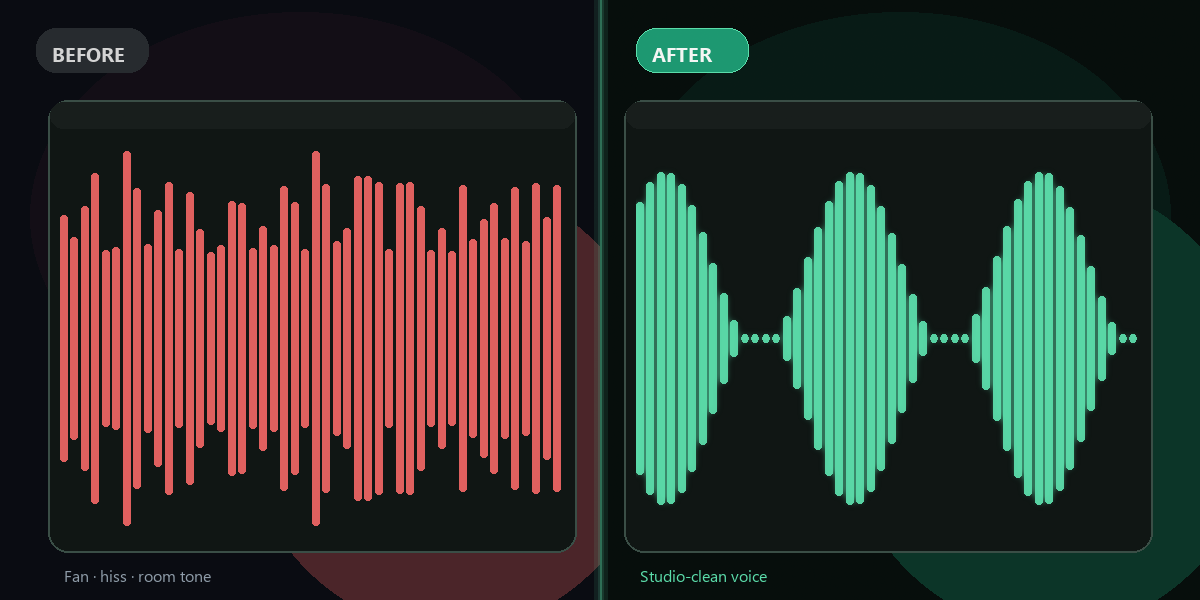
FixTheFile's AI reduces background noise while keeping your voice clear.
Download your clean audio
Your cleaned-up voice memo downloads directly — no email needed.
Why FixTheFile
The easiest voice memo cleanup tool
AI-powered noise reduction
Reduces street, wind, and room noise
No watermark
Your cleaned audio is clean, no branding added
No signup needed
Convert instantly, no account or email required
Works on any device
Browser-based, no app to install on Mac, Windows, or Android
Private and secure
Files not stored permanently, never shared
Great before transcribing
Cleaner audio means more accurate text
How do I clean up a noisy voice memo for free?+
Upload your voice memo to FixTheFile and select "Clean up audio noise". The background noise is reduced automatically, and your file downloads instantly.
What kinds of noise can this remove?+
FixTheFile reduces common background noise like wind, traffic, room hum, and chatter, helping the main voice stand out more clearly.
Will this make my voice sound unnatural?+
FixTheFile aims to preserve natural voice quality while reducing background noise, though very aggressive noise may leave some artifacts.
Should I clean the audio before or after transcribing it?+
Cleaning the audio first is recommended — clearer audio generally leads to a more accurate transcript if you use FixTheFile's transcription tool afterward.
Does this work on voice memos recorded outdoors?+
Yes — outdoor recordings with wind or traffic noise are a common use case, though extremely loud or chaotic environments may limit how much can be cleaned.
Related tools
More file fixing tools
Ready to clean up your voice memo?
No software needed. Works on any device. First fix is free.
Clean my voice memo free