
Convert Word Documents Online Free
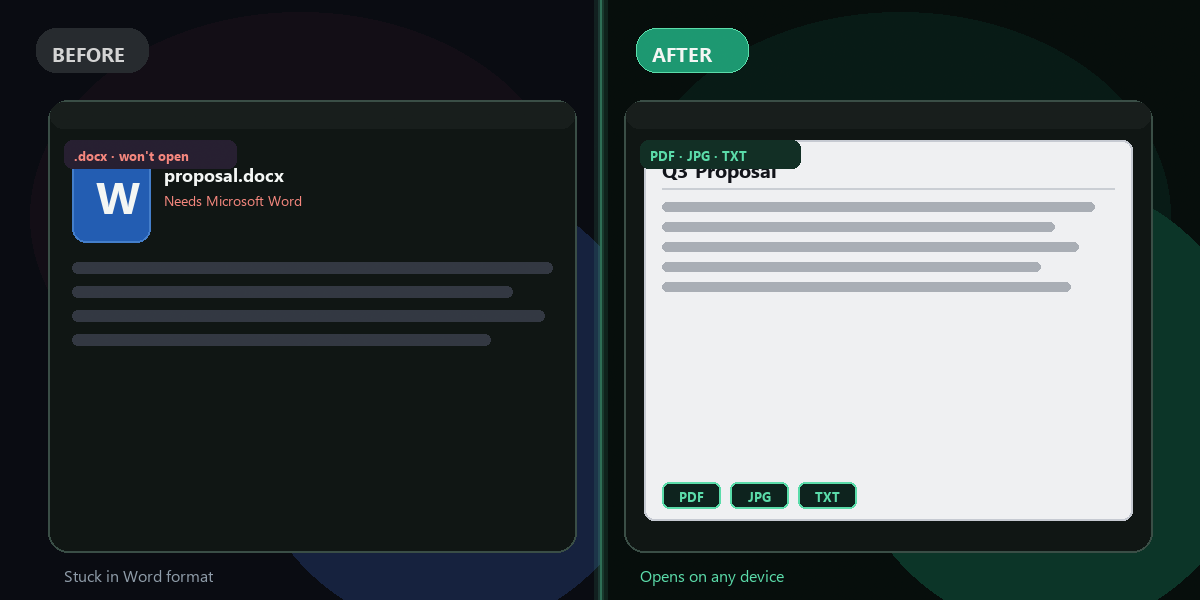
Upload a .docx file — convert to PDF, JPG image, or extract plain text. Done in seconds.
- No watermarks
- Works on mobile
- First fix free, no signup
 FixTheFile AI Studio
- 1Upload
- 2Pick a fix
- 3Download
- 1Upload
- 2Pick a fix
- 3Download
Drop any file. AI picks the fix.
Images, audio, video, PDF, Word and ZIP — up to 500MB. Or click anywhere to browse.
image → upscale · audio → clean noise · video → extract audio · pdf → text · zip → repair
How it works
Three steps, done.
Upload your .docx
Drop your Word document into the uploader on the homepage.
Choose output format
Pick PDF, Image (JPG), or plain text extraction.
Download the result
Your converted file is ready in seconds — click to download.
Three ways to convert
Word → PDF
Convert your .docx to a universally readable PDF file. Preserves formatting, fonts, and layout. Perfect for sharing documents that must look the same on any device.
Word → Image (JPG)
Renders the first page of your Word document as a JPG image. Great for sharing a document preview on social media, in a presentation, or as a thumbnail.
Word → Plain Text
Strips out all formatting and extracts raw paragraph text. Useful for copying content into another app, running a word count, or processing text in a script.
Why FixTheFile
No software, no fuss
No Microsoft Office required
Converts on the server using LibreOffice, a free open-source office suite.
No watermarks
Your converted file is clean, with no branding added.
Works on any device
Upload from phone, tablet, or laptop. No app to install.
Files auto-deleted
Your document is deleted from our servers after 1 hour.
First fix free
Try it now, no account needed.
Fast
Most Word conversions complete in under 15 seconds.
Does this work without Microsoft Word?+
Yes. FixTheFile uses LibreOffice (free, open-source) on the server to handle the conversion. You don't need Microsoft Office or Word installed anywhere — just upload your .docx and we handle the rest.
Will the formatting be preserved in the PDF?+
In most cases, yes. Basic formatting like headings, bold, italics, tables, and images render correctly. Very complex layouts with custom fonts or advanced Word features may have minor differences, as is standard with any non-Microsoft converter.
Can I convert a .doc file (older Word format)?+
Currently we support .docx files (Office Open XML format). The older .doc format (pre-2007) is not supported. If you have a .doc file, open it in any version of Word or LibreOffice and save it as .docx first.
Is my document kept private?+
Yes. Your file is processed on our server and automatically deleted after 1 hour. We do not read, index, or share your document content. See our Privacy Policy for details.
What's the file size limit?+
Up to 500MB per file. Most Word documents are well under 10MB, so this limit is rarely reached.
Related tools
More document tools
Convert your Word document now
Free to try. No signup needed for your first conversion.
Upload a .docx file