
Convert PDF to text online — free
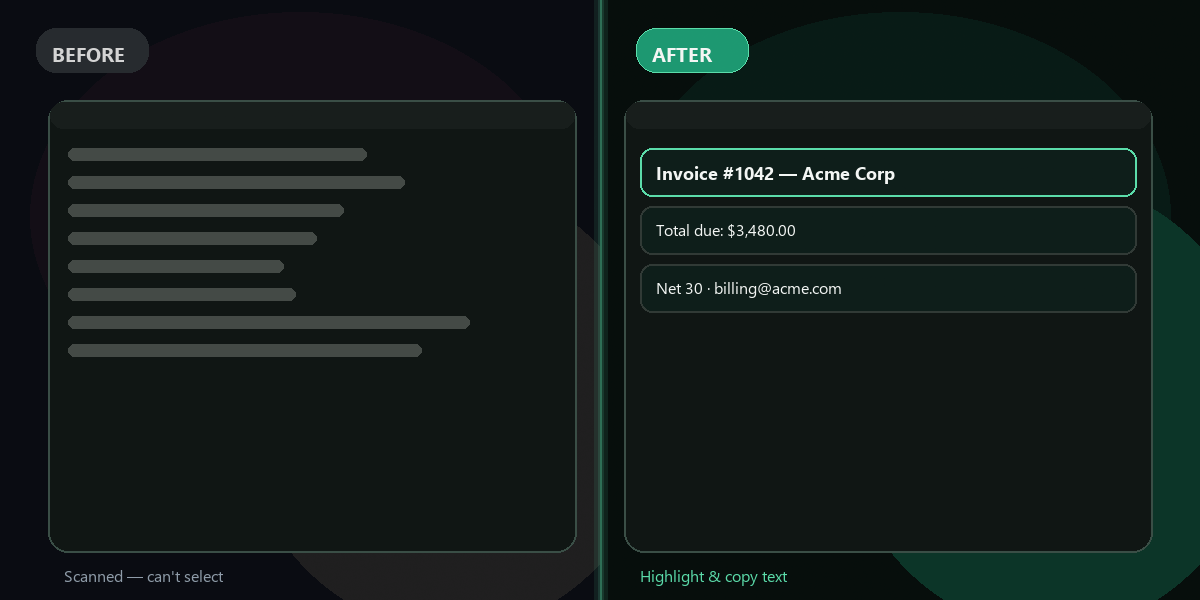
Extract all text content from any PDF document instantly. Invoices, reports, contracts, articles — plain editable text in seconds. No signup needed.
- No watermarks
- Works on mobile
- First fix free, no signup
 FixTheFile AI Studio
- 1Upload
- 2Pick a fix
- 3Download
- 1Upload
- 2Pick a fix
- 3Download
Drop any file. AI picks the fix.
Images, audio, video, PDF, Word and ZIP — up to 500MB. Or click anywhere to browse.
image → upscale · audio → clean noise · video → extract audio · pdf → text · zip → repair
How it works
How to convert PDF to text online
Upload your PDF
Drop any PDF file — up to 500MB, any number of pages.
Select "Extract text"
PyMuPDF instantly reads every word from your PDF.
Copy the text
Your extracted text appears on screen — copy it in one click.
Why FixTheFile
The fastest free PDF to text converter
Powered by PyMuPDF
Fast, accurate text extraction from any PDF
No page limit
Extract text from short or multi-hundred-page PDFs
No signup needed
First extraction is free and instant
Preserves reading order
Text follows the original document structure
No watermarks
Clean extracted text, ready to use
Private and secure
Files not stored permanently
Can I convert PDF to text online for free?+
Yes — FixTheFile extracts all text from any PDF document online for free using PyMuPDF. No signup needed for your first conversion.
Does FixTheFile work with scanned PDFs?+
FixTheFile uses PyMuPDF to extract embedded text from PDF documents. For PDFs with embedded text layers (most modern PDFs), extraction is instant and complete. Image-only scanned PDFs need OCR, which is not currently supported.
Is there a page limit?+
FixTheFile has no page limit for PDF text extraction. It processes the full document up to the 500MB file size limit — perfect for long contracts, reports, or books.
What do I get after conversion?+
Your extracted text is displayed directly in your browser, ready to copy and paste into any document, editor, or application. The text follows the reading order of the original PDF.
Can I extract text from a password-protected PDF?+
FixTheFile works with unencrypted PDF files. If your PDF is password-protected, you'll need to remove the password protection first before uploading.
Related tools
More document tools
Ready to extract text from your PDF?
No software needed. Works on any device. First fix is free.
Extract PDF text free