
Split a PDF online — free
Only need a few pages from a long PDF? Enter a page range and get a new, smaller PDF.
- No watermarks
- Works on mobile
- First fix free, no signup
 FixTheFile AI Studio
- 1Upload
- 2Pick a fix
- 3Download
- 1Upload
- 2Pick a fix
- 3Download
Drop any file. AI picks the fix.
Images, audio, video, PDF, Word and ZIP — up to 500MB. Or click anywhere to browse.
image → upscale · audio → clean noise · video → extract audio · pdf → text · zip → repair
How it works
How to split a PDF online
Upload your PDF
Any PDF up to 500MB.
Select "Split PDF"
Enter the start and end page numbers you want to keep.
Download the new PDF
Only the pages you chose — nothing else.
Why FixTheFile
Extract exactly the pages you need
Choose your exact page range
Type a start and end page — no guesswork.
No Adobe Acrobat needed
Free browser-based splitting.
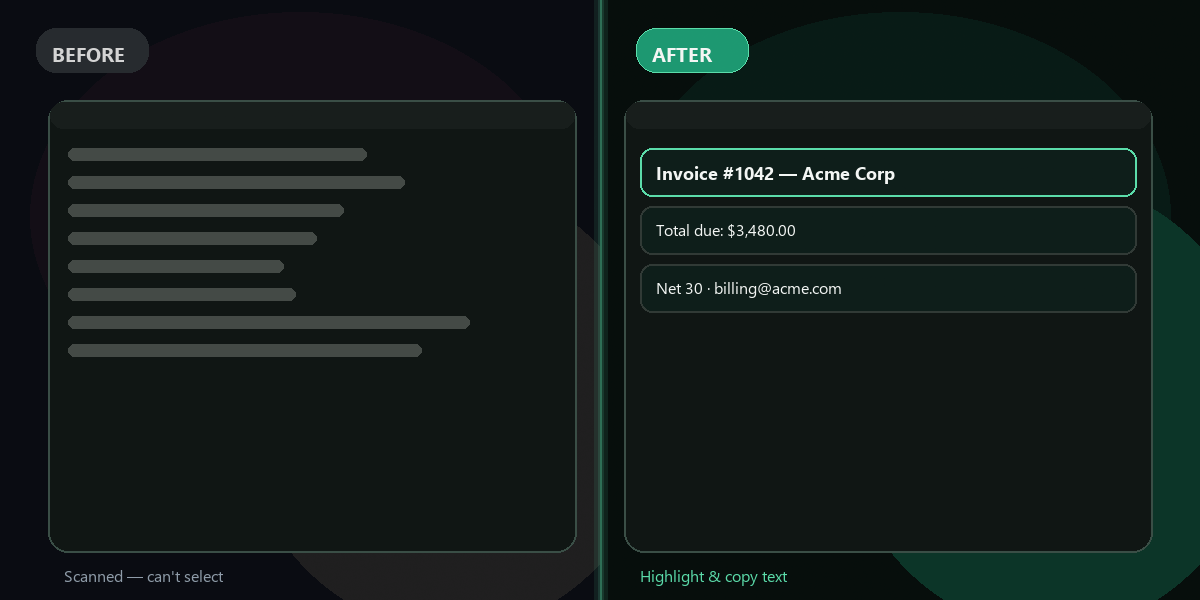
Text stays selectable
Pages are extracted, not flattened to images.
First fix free
No account required to try.
Private processing
Files are never reviewed by humans.
Also merges and rotates PDFs
Full PDF toolkit in one place.
How do I split a PDF for free?+
Upload to FixTheFile, select Split PDF, enter your page range, and download.
Can I extract just one page?+
Yes — set the start and end page to the same number.
Does splitting affect formatting?+
No — pages keep their original layout, fonts, and images.
Is there a page limit?+
No page-count limit — file size cap is 500MB.
Can I merge pages back together after?+
Yes — use the Merge PDF tool to combine files again.
Ready to get started?
No software needed. Works on any device. First fix is free.
Split my PDF free