
Compress PDF online — free
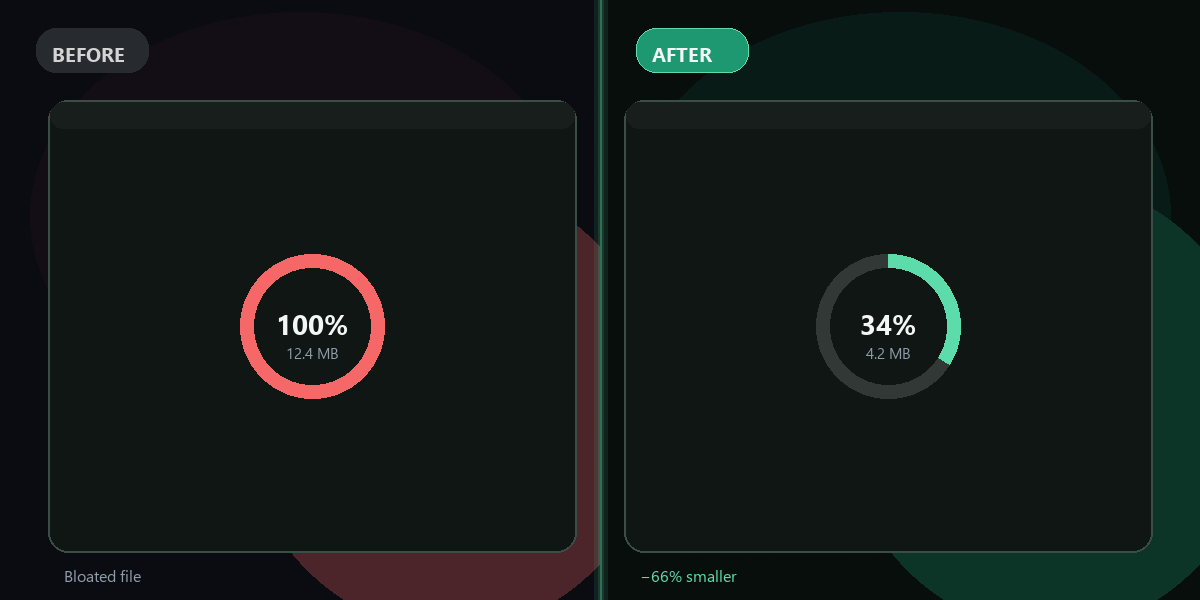
PDF too large to email or upload? Shrink it in one click — see before and after file size.
- No watermarks
- Works on mobile
- First fix free, no signup
 FixTheFile AI Studio
- 1Upload
- 2Pick a fix
- 3Download
- 1Upload
- 2Pick a fix
- 3Download
Drop any file. AI picks the fix.
Images, audio, video, PDF, Word and ZIP — up to 500MB. Or click anywhere to browse.
image → upscale · audio → clean noise · video → extract audio · pdf → text · zip → repair
How it works
How to compress a PDF online
Upload your PDF
Drop the PDF on the FixTheFile homepage.
Select "Compress file"
FixTheFile detects the PDF and offers compression.
Download the smaller PDF
See exact size reduction before you download.
Why FixTheFile
Why compress PDFs with FixTheFile
20–80% smaller
Typical PDF compression saves significant space for email and uploads.
Before/after size shown
See exactly how much you saved.
No signup for first fix
Try one compression free instantly.
Browser-based
Works on Mac, Windows, phone — no install.
Safe processing
Files stay private and are not reviewed by humans.
Also compresses images & video
Same tool handles JPG, PNG, and short MP4 files.
How do I compress a PDF for free?+
Upload to FixTheFile, choose Compress file, download the smaller PDF.
How much smaller will my PDF get?+
Usually 20–80% depending on images and embedded fonts inside the PDF.
Will text stay selectable?+
Yes — compression reduces embedded image quality, not text layers.
Is there a page limit?+
No page limit — file size cap is 500MB.
Can I compress scanned PDFs?+
Yes — scanned PDFs with large images often compress the most.
Ready to get started?
No software needed. Works on any device. First fix is free.
Compress my PDF free