
Compress images online — free
Photo too big to upload or email? Shrink JPG, PNG, or WEBP files and see the exact size saved.
- No watermarks
- Works on mobile
- First fix free, no signup
 FixTheFile AI Studio
- 1Upload
- 2Pick a fix
- 3Download
- 1Upload
- 2Pick a fix
- 3Download
Drop any file. AI picks the fix.
Images, audio, video, PDF, Word and ZIP — up to 500MB. Or click anywhere to browse.
image → upscale · audio → clean noise · video → extract audio · pdf → text · zip → repair
How it works
How to compress an image online
Upload your image
Drop any JPG, PNG, or WEBP file.
Select "Compress file"
FixTheFile optimizes the image for smaller file size.
Download the compressed image
Typical savings: 50–65% for photos.
Why FixTheFile
The easiest online image compressor
50–65% typical savings
Great for web uploads, email attachments, and CMS limits.
Visual quality preserved
Smart compression keeps photos looking sharp.
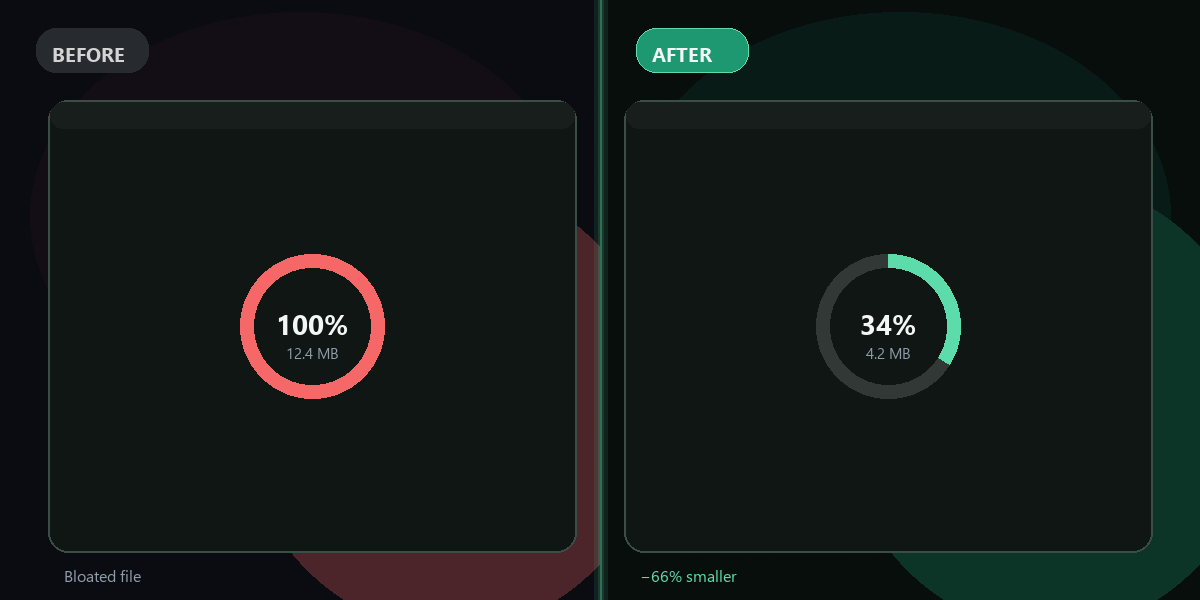
Before/after size display
Know exactly how much you saved.
No watermark
Your compressed image is clean.
No app needed
Works in Chrome, Safari, Edge, mobile browsers.
Also compresses PDF & video
One tool for multiple file types.
How do I reduce image file size for free?+
Upload to FixTheFile, select Compress file, download the optimized image.
Which formats are supported?+
JPG, JPEG, PNG, and WEBP.
Will compression ruin quality?+
FixTheFile uses smart quality settings — photos stay sharp at smaller sizes.
Can I compress multiple images?+
One file at a time — upload each image separately.
What's the max file size?+
Up to 500MB per upload.
Ready to get started?
No software needed. Works on any device. First fix is free.
Compress my image free