
Extract audio from video online — free
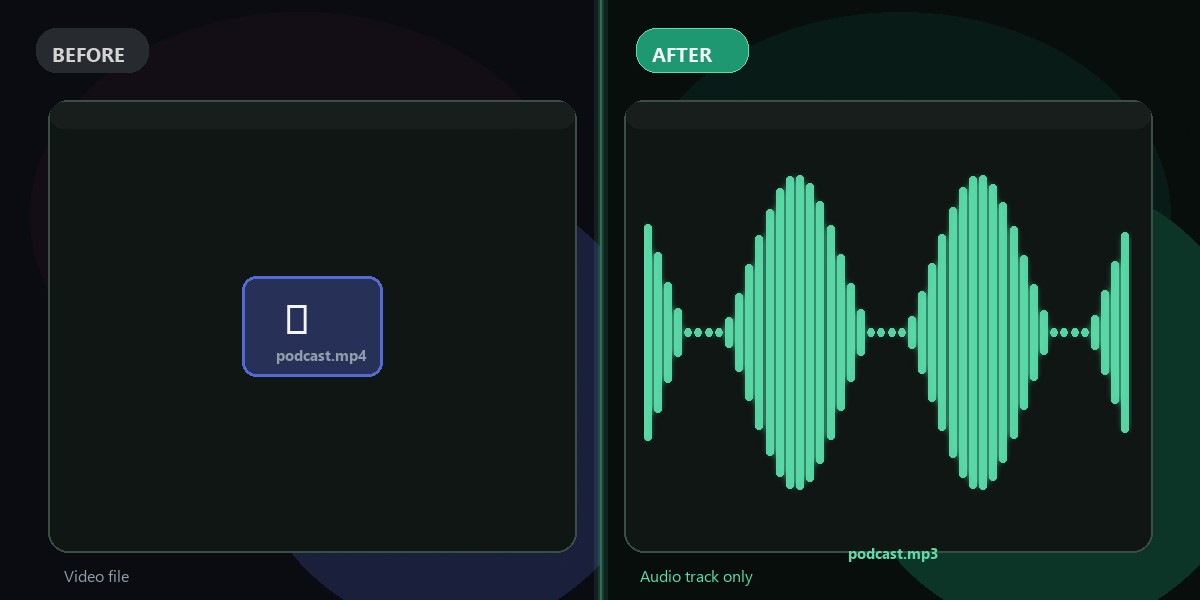
Pull the audio track from any video file and get a clean MP3 in seconds. MP4, MOV, AVI, MKV, WEBM — no software, no signup needed.
- No watermarks
- Works on mobile
- First fix free, no signup
 FixTheFile AI Studio
- 1Upload
- 2Pick a fix
- 3Download
- 1Upload
- 2Pick a fix
- 3Download
Drop any file. AI picks the fix.
Images, audio, video, PDF, Word and ZIP — up to 500MB. Or click anywhere to browse.
image → upscale · audio → clean noise · video → extract audio · pdf → text · zip → repair
How it works
How to extract audio from a video online
Upload your video
Drop any MP4, MOV, AVI, MKV, or WEBM file — up to 500MB.
Select "Extract audio"
FFmpeg pulls the audio track cleanly from your video.
Download your MP3
Your audio file is ready in seconds — no watermarks.
Why FixTheFile
The fastest video to audio extractor
Powered by FFmpeg
Fast, lossless audio extraction
MP4, MOV, AVI, MKV, WEBM
All major video formats supported
No signup needed
First extraction is free and instant
Original audio quality preserved
No re-encoding quality loss
No watermarks
Your clean MP3, ready to use
Private and secure
Files not stored permanently
How do I extract audio from a video online for free?+
Upload your video to FixTheFile and select "Extract audio." The audio track is extracted and delivered as an MP3 file instantly. No signup needed for your first extraction.
What video formats are supported?+
FixTheFile supports MP4, MOV, AVI, MKV, and WEBM video formats for audio extraction. The output is delivered as a clean MP3 file.
Is there a file size limit?+
FixTheFile supports files up to 500MB. Extraction is powered by FFmpeg and completes in seconds for most video files regardless of length.
Can I also transcribe the audio after extracting it?+
Yes — after extracting the audio, you can upload the MP3 to FixTheFile again and select "Transcribe to text" to get a full written transcript of the audio content.
What quality is the extracted MP3?+
FixTheFile extracts the original audio stream from your video file. The MP3 output maintains the original audio quality without any additional compression or quality loss.
Related tools
More audio extraction tools
Ready to extract audio from your video?
No software needed. Works on any device. First fix is free.
Extract audio free