
Extract audio from Zoom recording — free
Need just the audio from a meeting recording, for notes or transcription? Extract it instantly. No app, no signup, no watermark.
- No watermarks
- Works on mobile
- First fix free, no signup
 FixTheFile AI Studio
- 1Upload
- 2Pick a fix
- 3Download
- 1Upload
- 2Pick a fix
- 3Download
Drop any file. AI picks the fix.
Images, audio, video, PDF, Word and ZIP — up to 500MB. Or click anywhere to browse.
image → upscale · audio → clean noise · video → extract audio · pdf → text · zip → repair
How it works
How to extract audio from a Zoom recording
Upload your Zoom recording
Drag and drop your meeting video file — the default Zoom MP4 recording works.
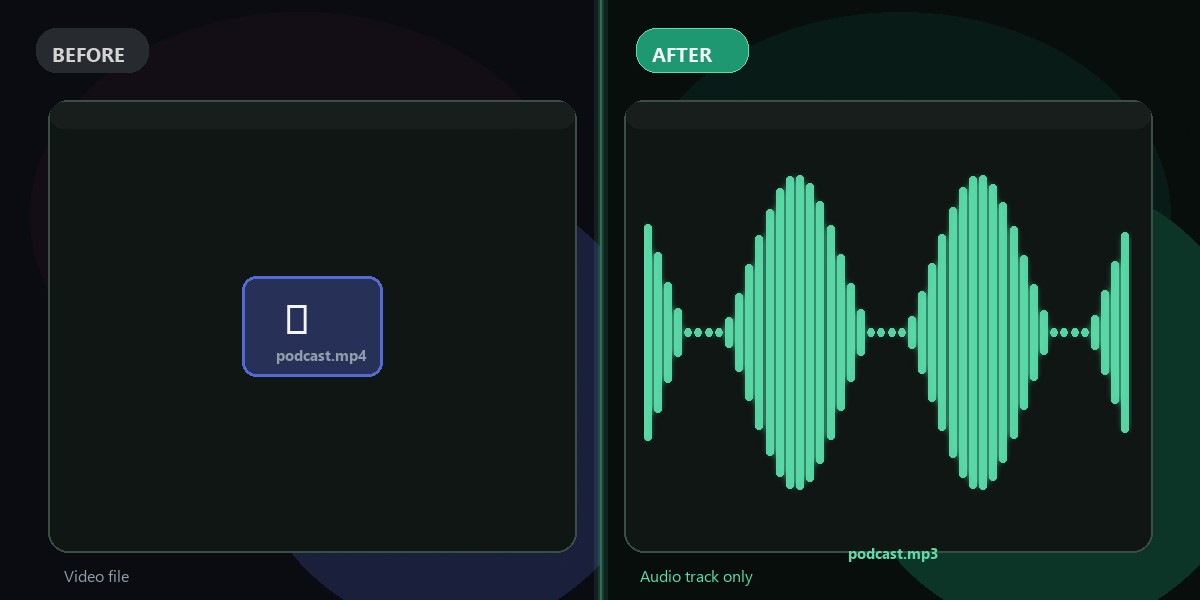
Select "Extract audio from video"
FixTheFile pulls out just the audio as a clean MP3.
Download your audio file
Your MP3 downloads directly — no email needed.
Why FixTheFile
The easiest way to extract meeting audio
Great for meeting notes
Combine with FixTheFile's transcription tool for a written record
No watermark
Your audio file is clean, no branding added
No signup needed
Convert instantly, no account or email required
Works on any device
Browser-based, no app to install on Mac, Windows, or Android
Private and secure
Files not stored permanently, never shared
Works for any meeting platform recording
Not just Zoom
How do I extract audio from a Zoom recording for free?+
Upload your Zoom recording (usually an MP4 file) to FixTheFile and select "Extract audio from video". Your audio file downloads instantly.
Where do I find my Zoom recording file?+
If you recorded locally, check your computer's Documents/Zoom folder. If recorded to the cloud, download it from your Zoom account first, then upload it to FixTheFile.
Can I also get a written transcript of the meeting?+
Yes — after extracting the audio, you can use FixTheFile's "Transcribe speech" tool to turn it into text.
Does this work for Microsoft Teams or Google Meet recordings too?+
Yes — any standard video recording file works, regardless of which platform it came from.
Will the audio include everyone who spoke?+
Yes — FixTheFile extracts the full audio track exactly as recorded, including all participants.
Related tools
More file fixing tools
Ready to extract your meeting audio?
No software needed. Works on any device. First fix is free.
Extract audio free