
Extract music from video online — free
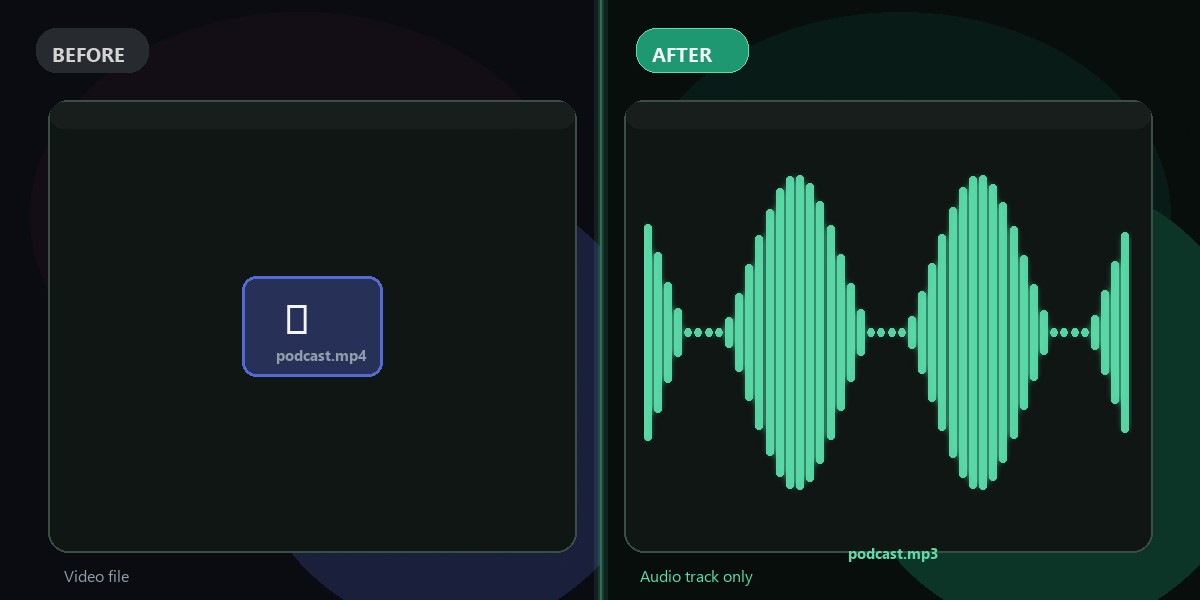
Want to save the audio or music track from a video file? Extract it as MP3 instantly. No app, no signup, no watermark.
- No watermarks
- Works on mobile
- First fix free, no signup
 FixTheFile AI Studio
- 1Upload
- 2Pick a fix
- 3Download
- 1Upload
- 2Pick a fix
- 3Download
Drop any file. AI picks the fix.
Images, audio, video, PDF, Word and ZIP — up to 500MB. Or click anywhere to browse.
image → upscale · audio → clean noise · video → extract audio · pdf → text · zip → repair
How it works
How to extract music from a video
Upload your video
Drag and drop the video containing the audio or music you want.
Select "Extract audio from video"
FixTheFile pulls out the full audio track as a clean MP3.
Download your MP3
Your audio file downloads directly — no email needed.
Why FixTheFile
The easiest way to extract music from video
Keep the full original audio
Including any music, dialogue, or sound effects
No watermark
Your audio file is clean, no branding added
No signup needed
Convert instantly, no account or email required
Works on any device
Browser-based, no app to install on Mac, Windows, or Android
Private and secure
Files not stored permanently, never shared
Original audio quality preserved
No extra compression added
How do I extract music from a video for free?+
Upload your video to FixTheFile and select "Extract audio from video". The full audio track, including any music, downloads as an MP3.
Will this separate the music from voices or other sounds?+
No — FixTheFile extracts the complete audio track as it exists in the video. It doesn't isolate music from voices or other sounds within that track.
Can I use the extracted audio for my own content?+
That depends on the original video's copyright and license. Make sure you have the right to use any audio you extract before reusing it.
Does this work for short clips as well as full videos?+
Yes — FixTheFile works on video files of any typical length, up to the 500MB file size limit.
What audio format will I get?+
FixTheFile extracts the audio as a standard MP3 file.
Related tools
More file fixing tools
Ready to extract the audio from your video?
No software needed. Works on any device. First fix is free.
Extract audio free