
Shrink PDF file size online — free
PDF over the email limit or upload cap? Compress it and see exactly how many MB you saved.
- No watermarks
- Works on mobile
- First fix free, no signup
 FixTheFile AI Studio
- 1Upload
- 2Pick a fix
- 3Download
- 1Upload
- 2Pick a fix
- 3Download
Drop any file. AI picks the fix.
Images, audio, video, PDF, Word and ZIP — up to 500MB. Or click anywhere to browse.
image → upscale · audio → clean noise · video → extract audio · pdf → text · zip → repair
How it works
How to shrink a PDF file size
Upload your PDF
Any PDF up to 500MB.
Select "Compress file"
FixTheFile optimizes images and streams inside the PDF.
Download smaller PDF
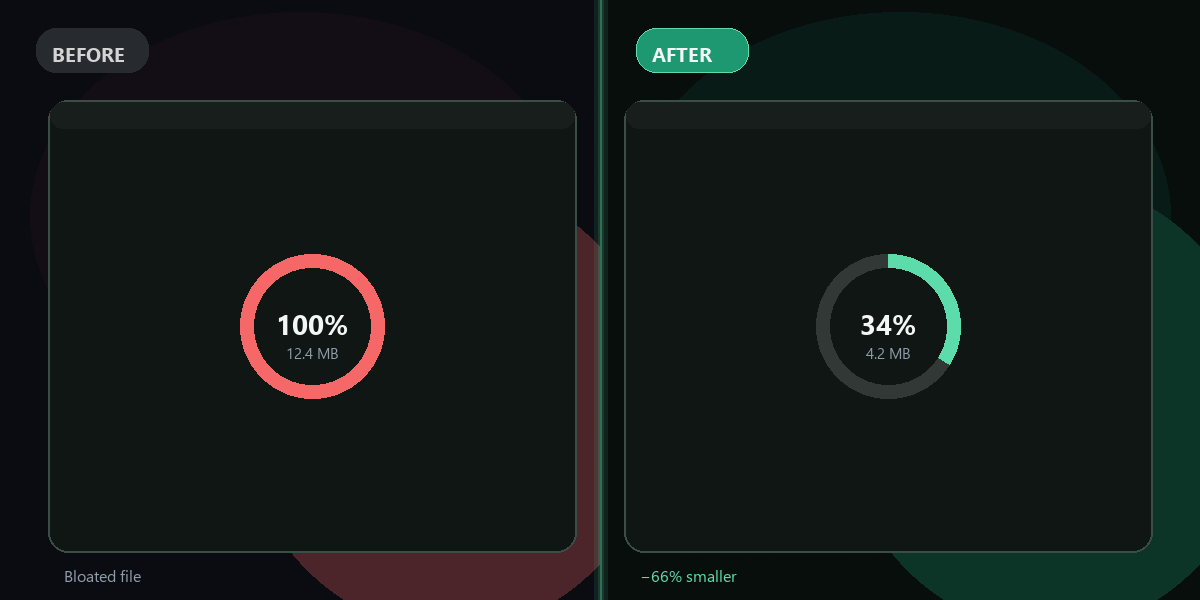
Before/after size shown on screen.
Why FixTheFile
Make PDFs smaller for email & uploads
Fit email attachment limits
Gmail, Outlook — stay under 25MB easily.
See exact MB saved
Transparent before/after file size.
No Adobe Acrobat needed
Free browser-based compression.
Text stays selectable
Compression targets images inside the PDF.
First fix free
No account to try.
Works on scanned PDFs
Large scan compresses significantly.
How do I make a PDF smaller for email?+
Upload to FixTheFile, compress, download the reduced PDF.
How much can a PDF shrink?+
Typically 20–80% depending on embedded images.
Is quality lost?+
Slight image quality reduction inside the PDF — text stays crisp.
Same as compress PDF?+
Yes — this page links to the same FixTheFile compression tool.
Can I shrink multiple PDFs?+
One at a time — upload each PDF separately.
Ready to get started?
No software needed. Works on any device. First fix is free.
Shrink my PDF free