
Word to Image Converter
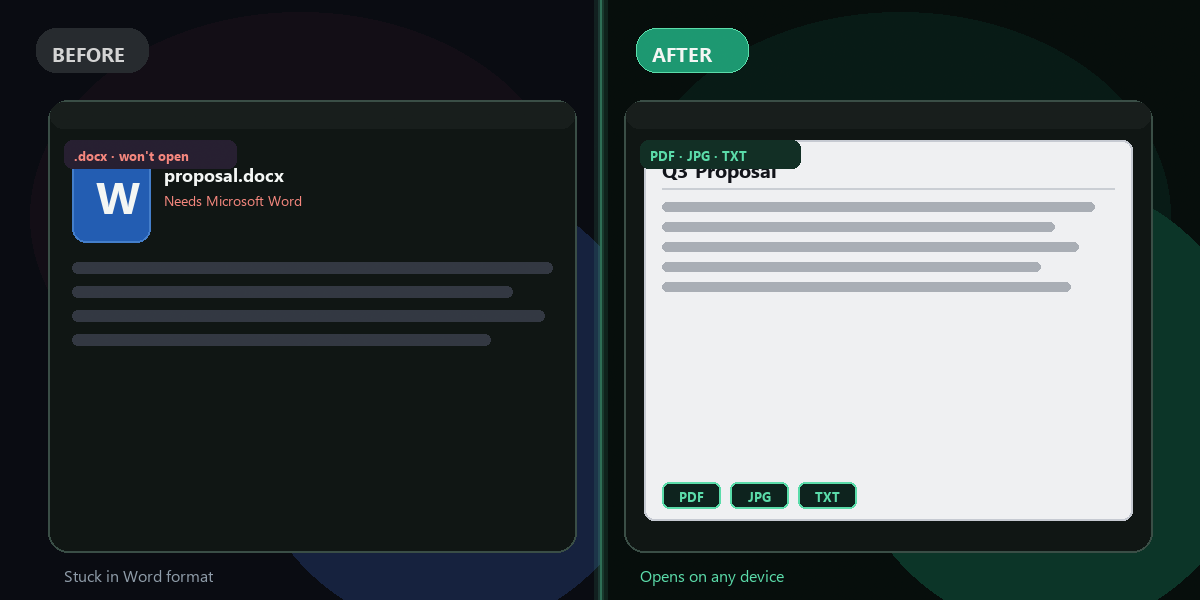
Convert the first page of any Word document (.docx) to a high-quality JPG image. Free, instant, no software required.
- No watermarks
- Works on mobile
- First fix free, no signup
 FixTheFile AI Studio
- 1Upload
- 2Pick a fix
- 3Download
- 1Upload
- 2Pick a fix
- 3Download
Drop any file. AI picks the fix.
Images, audio, video, PDF, Word and ZIP — up to 500MB. Or click anywhere to browse.
image → upscale · audio → clean noise · video → extract audio · pdf → text · zip → repair
Common use cases
Share on social media
Share a document, certificate, or resume as a JPG on Instagram, LinkedIn, or WhatsApp — no one needs Word to view an image.
Thumbnail or preview
Create a visual preview of a report or proposal to use in a presentation, email header, or product listing.
Embed in email
Attach a document image directly in an email body instead of sending a file that requires Word to open.
Certificates and diplomas
Convert a Word-formatted certificate to a JPG for framing, printing, or sharing as a portfolio item.
How it works
Word to image in 3 steps
Upload your .docx
Go to FixTheFile homepage and drop your Word document.
Pick "Convert to Image"
From the Word converter options, choose "Convert to Image".
Download the JPG
The first page of your document renders as a high-resolution JPG.
Which page gets converted to an image?+
Currently the first page of the document is rendered as the output image. This is ideal for cover pages, certificates, and documents where the key content is on page 1. Multi-page rendering may be added in a future update.
What image format does it output?+
The output is a JPG (JPEG) file at 2× resolution for good quality. JPG is widely supported and works for social media, email, and most use cases.
Does the formatting render correctly?+
In most cases yes — headings, images, tables, and text render faithfully. The conversion uses LibreOffice to first render the document to PDF, then captures that as a high-resolution image.
Is my Word file kept private?+
Yes. Your document is processed on our secure servers and automatically deleted after 1 hour. We don't read or store your content. See our Privacy Policy.
Can I also convert Word to PDF?+
Yes — after uploading your .docx, you can choose "Convert to PDF" instead. See Word to PDF converter.
Turn your Word doc into an image
Free to try. No signup needed for your first conversion.
Upload a .docx file