
Convert DOCX to PDF online — free
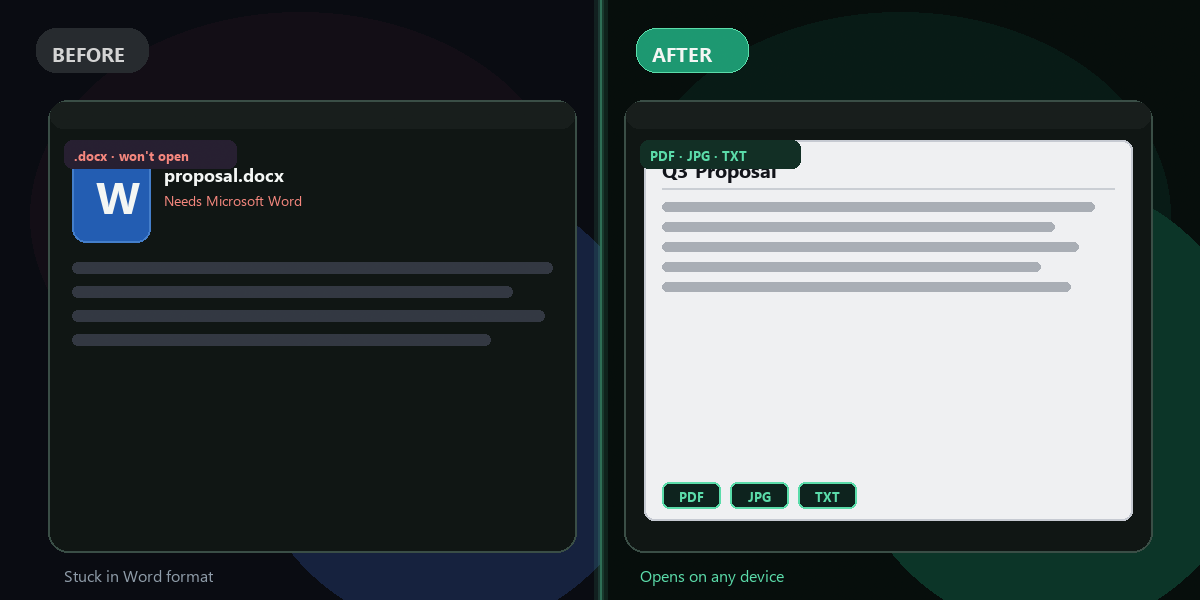
Stuck with a Word file that won't open everywhere? Upload your .docx and get a clean PDF in seconds.
- No watermarks
- Works on mobile
- First fix free, no signup
 FixTheFile AI Studio
- 1Upload
- 2Pick a fix
- 3Download
- 1Upload
- 2Pick a fix
- 3Download
Drop any file. AI picks the fix.
Images, audio, video, PDF, Word and ZIP — up to 500MB. Or click anywhere to browse.
image → upscale · audio → clean noise · video → extract audio · pdf → text · zip → repair
How it works
How to convert DOCX to PDF online
Upload your .docx file
Drop your Word document on the FixTheFile homepage.
Select "Convert to PDF"
Choose Word → PDF from the fix options.
Download your PDF
Your PDF is ready — opens on any device, no Word needed.
Why FixTheFile
The easiest DOCX to PDF converter
No Microsoft Office
LibreOffice on our server handles conversion — you need zero software.
No watermark
Your PDF is clean with no FixTheFile branding on the document.
No signup needed
First conversion is free without an account.
Fast
Most Word docs convert in under 15 seconds.
Private
Files are processed automatically and not shared.
Also exports JPG or text
Need an image or plain text instead? Pick another output format.
How do I convert DOCX to PDF for free?+
Upload your .docx to FixTheFile, select Convert to PDF, and download instantly.
Do I need Microsoft Word installed?+
No — FixTheFile converts on the server. Works in any browser.
Will formatting be preserved?+
Basic headings, bold, tables, and images usually render correctly in the PDF.
Is there a file size limit?+
Up to 500MB per file — most Word documents are well under that.
Can I convert .doc files too?+
Currently .docx only. Save older .doc files as .docx in Word or LibreOffice first.
Ready to get started?
No software needed. Works on any device. First fix is free.
Convert DOCX to PDF free