
Convert DOCX to plain text — free
Need the words from a Word doc without the formatting? Extract clean plain text in seconds.
- No watermarks
- Works on mobile
- First fix free, no signup
 FixTheFile AI Studio
- 1Upload
- 2Pick a fix
- 3Download
- 1Upload
- 2Pick a fix
- 3Download
Drop any file. AI picks the fix.
Images, audio, video, PDF, Word and ZIP — up to 500MB. Or click anywhere to browse.
image → upscale · audio → clean noise · video → extract audio · pdf → text · zip → repair
How it works
How to extract text from DOCX
Upload your .docx
Any Word document up to 500MB.
Select "Extract text"
FixTheFile pulls all readable text from the document.
Copy or download .txt
Plain text ready for editing, AI tools, or publishing.
Why FixTheFile
Extract text from Word documents
No Microsoft Word
Works entirely in your browser.
Clean plain text
Strips formatting — just the words.
Fast python-docx extraction
Most docs complete in seconds.
Free to try
No signup for your first extraction.
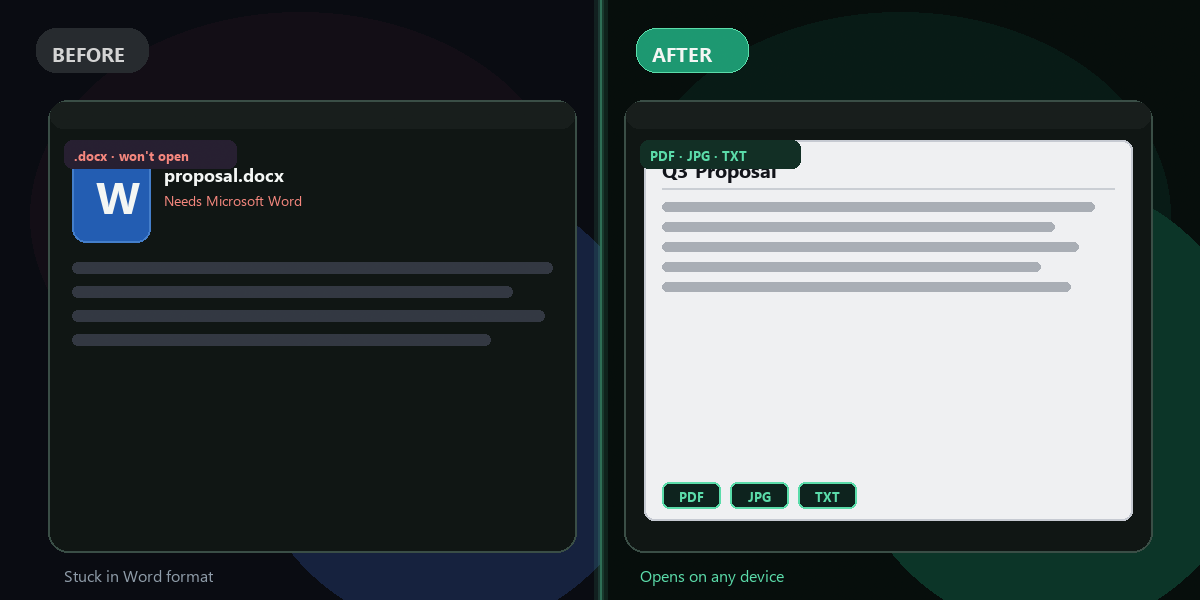
Also export PDF or JPG
Need a visual format instead? Switch output.
Private
Document content is never shared.
How do I get plain text from a Word doc?+
Upload .docx to FixTheFile and select Extract text.
Will tables and lists be included?+
Yes — text from tables and lists is extracted in reading order.
Are images included?+
Text only — images are skipped in text extraction.
Can I convert to PDF instead?+
Yes — select Convert to PDF for a formatted PDF output.
Does it work on Mac and Windows?+
Yes — any modern browser.
Ready to get started?
No software needed. Works on any device. First fix is free.
Extract text from DOCX free