
Remove noise from podcast — free
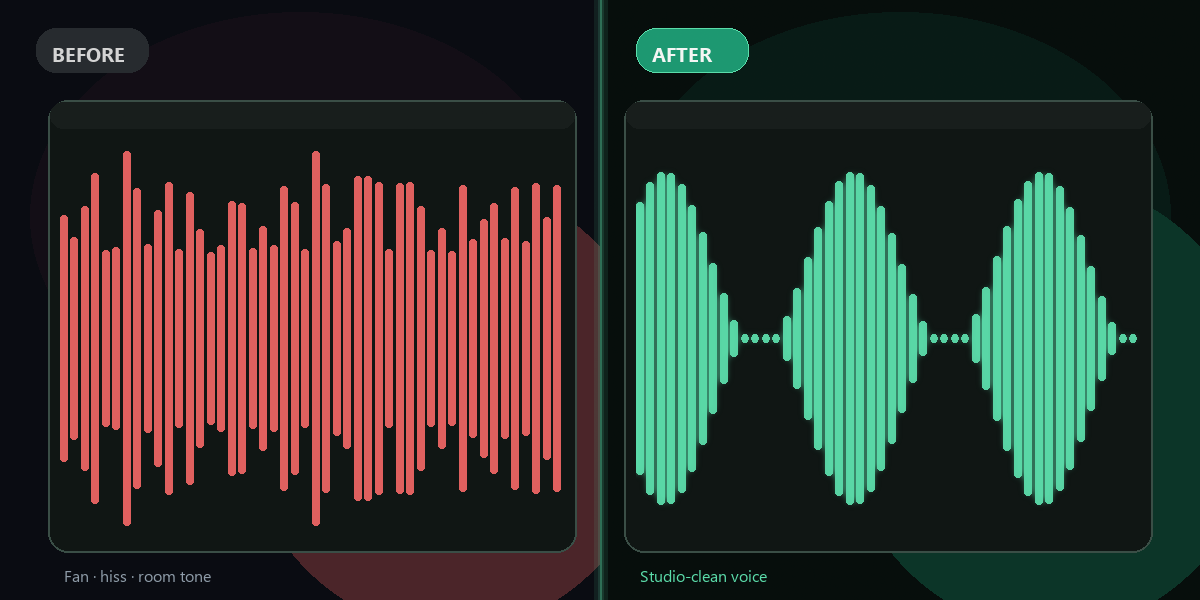
Clean up hiss, hum, fan noise, and room echo from podcast recordings instantly. AI-powered, no signup, no software needed.
- No watermarks
- Works on mobile
- First fix free, no signup
 FixTheFile AI Studio
- 1Upload
- 2Pick a fix
- 3Download
- 1Upload
- 2Pick a fix
- 3Download
Drop any file. AI picks the fix.
Images, audio, video, PDF, Word and ZIP — up to 500MB. Or click anywhere to browse.
image → upscale · audio → clean noise · video → extract audio · pdf → text · zip → repair
How it works
How to remove noise from a podcast recording
Upload your podcast audio
Drop any MP3, WAV, M4A, or AAC file — up to 500MB.
Select "Remove audio noise"
AI isolates speech and eliminates background noise in seconds.
Download clean audio
Your podcast sounds professional — ready to publish or edit.
Why FixTheFile
Professional podcast cleaning, free online
Removes hiss, hum, fan noise
All common podcast recording issues eliminated
Preserves voice quality
AI targets noise, not speech — natural-sounding result
No signup needed
Clean your first podcast recording instantly
Works on any audio format
MP3, WAV, M4A, AAC, OGG, FLAC
Also transcribes speech
Get a text transcript of your podcast after cleaning
Private and secure
Files stay available until you upload a new file or leave the page
How do I remove background noise from a podcast for free?+
Upload your podcast MP3 or WAV file to FixTheFile and select "Remove audio noise". AI removes hiss, hum, fan noise, and room echo — free, no signup required.
What types of noise can FixTheFile remove?+
FixTheFile removes background hiss, microphone hum, HVAC/fan noise, room echo, electrical interference, and ambient background sounds using Resemble AI's neural noise removal.
Will noise removal affect my voice quality?+
FixTheFile's AI is trained to preserve speech while removing noise. In most cases, the voice sounds natural and clear. Very aggressive noise removal may occasionally affect voice warmth, but the result is always cleaner than the original.
Can I clean up a recorded Zoom or Teams call?+
Yes — FixTheFile works great on meeting recordings, call recordings, and video conference audio. Upload the audio file and noise removal will clean up any background interference.
What audio formats are supported?+
FixTheFile supports MP3, WAV, M4A, AAC, OGG, FLAC, and more. Upload any common audio format and download a clean result.
Related tools
More audio tools
Ready to clean your podcast audio?
No software needed. Works on any device. First fix is free.
Clean my podcast audio free