
Convert MP4 to MP3 online — free
Extract audio from any video in one click. No software, no signup, no watermark — just upload and download your MP3.
- No watermarks
- Works on mobile
- First fix free, no signup
 FixTheFile AI Studio
- 1Upload
- 2Pick a fix
- 3Download
- 1Upload
- 2Pick a fix
- 3Download
Drop any file. AI picks the fix.
Images, audio, video, PDF, Word and ZIP — up to 500MB. Or click anywhere to browse.
image → upscale · audio → clean noise · video → extract audio · pdf → text · zip → repair
How it works
How to convert MP4 to MP3 online
Upload your MP4 video
Drop any MP4, MOV, AVI, or MKV file — up to 500MB.
Select "Extract audio" or convert to MP3
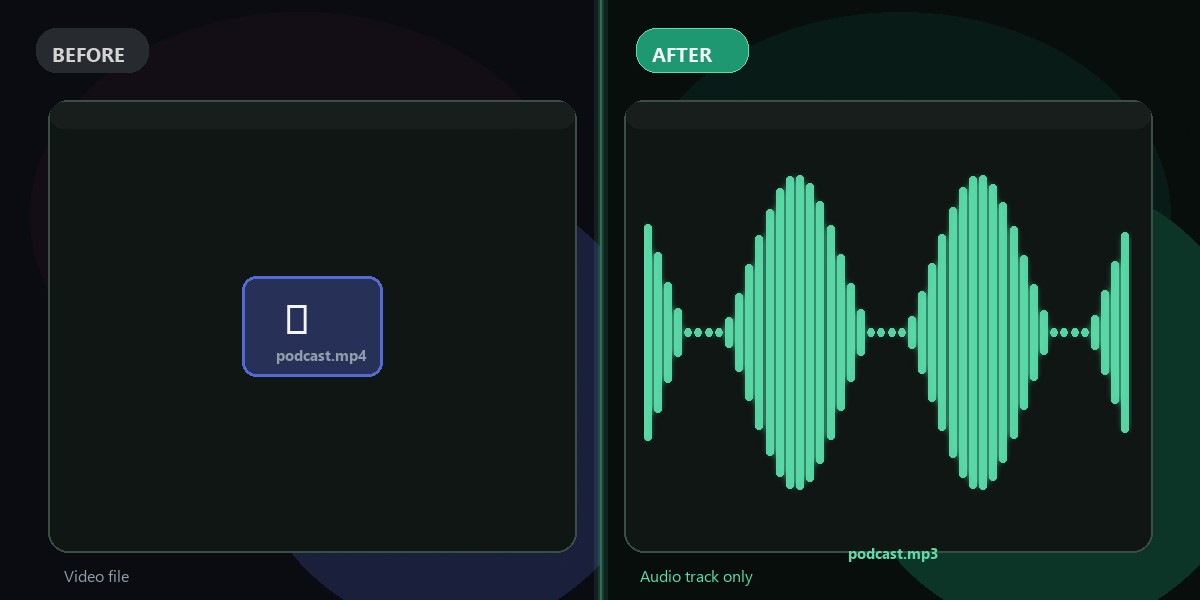
FixTheFile strips the audio track and converts it to MP3.
Download your MP3
Your audio file is ready in seconds — full quality, no watermark.
Why FixTheFile
The fastest MP4 to MP3 converter online
No signup needed
Extract audio instantly without creating an account
Original audio quality
No re-encoding loss; extracted at source bitrate
Works with all video formats
MP4, MOV, AVI, MKV, WEBM, FLV
Also removes background noise
Clean up audio after extraction
Private and secure
Files stay available until you upload a new file or leave the page
Works on any device
Browser-based, no app or software to install
How do I convert MP4 to MP3 for free?+
Upload your MP4 file to FixTheFile and select "Extract audio from video" or "Convert format → MP3". Your MP3 downloads instantly with no signup required.
Does converting MP4 to MP3 lose audio quality?+
FixTheFile extracts the audio track at the original bitrate, so quality is preserved. The MP3 will sound identical to the audio in the original video.
What video formats can I convert to MP3?+
FixTheFile supports MP4, MOV, AVI, MKV, WEBM, and more. Any video file can be converted to MP3 or other audio formats like WAV or AAC.
Can I remove background noise from the extracted audio?+
Yes! After extracting your MP3, you can upload it again and use FixTheFile's noise removal tool to clean up hiss, hum, or background noise.
How large a video file can I upload?+
FixTheFile supports files up to 500MB. Most standard MP4 videos are well within this limit.
Related tools
More audio and video tools
Ready to extract your audio?
No software needed. Works on any device. First fix is free.
Convert MP4 to MP3 free