
Convert HEIC to JPG online — free
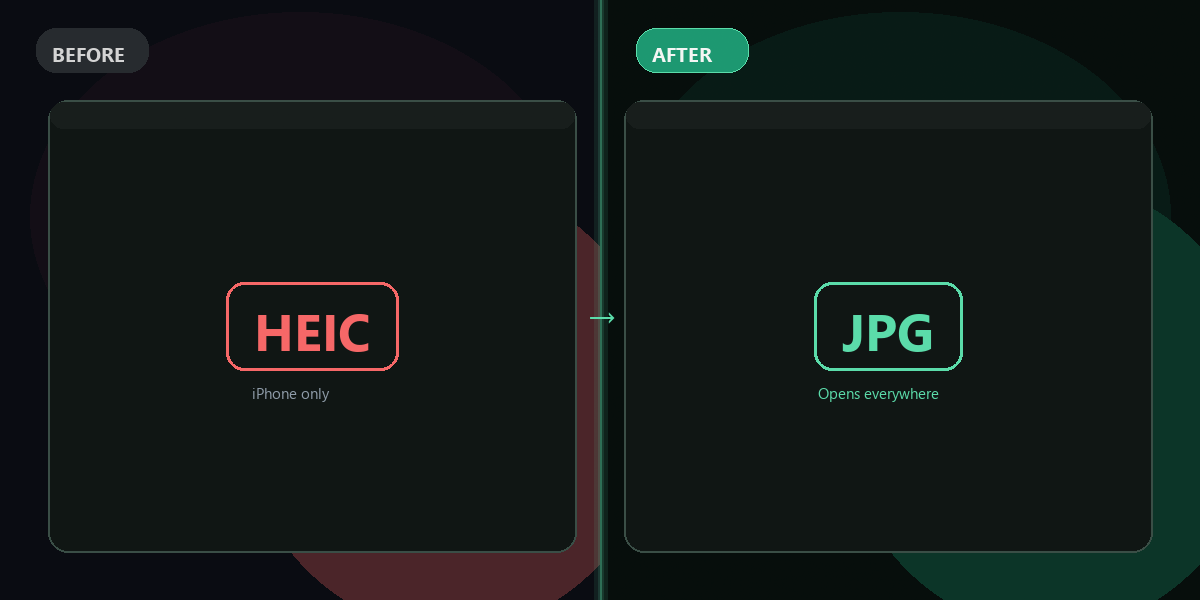
iPhone photos stuck in HEIC format? Convert them to JPG instantly. No app, no signup, no watermark.
- No watermarks
- Works on mobile
- First fix free, no signup
 FixTheFile AI Studio
- 1Upload
- 2Pick a fix
- 3Download
- 1Upload
- 2Pick a fix
- 3Download
Drop any file. AI picks the fix.
Images, audio, video, PDF, Word and ZIP — up to 500MB. Or click anywhere to browse.
image → upscale · audio → clean noise · video → extract audio · pdf → text · zip → repair
How it works
How to convert HEIC to JPG online
Upload your HEIC file
Drag and drop your iPhone photo — any HEIC or HEIF file works.
Select "Convert format" → JPG
FixTheFile converts your HEIC to a high-quality JPG in seconds.
Download your JPG
Your converted file downloads directly — no email, no account needed.
Why FixTheFile
The easiest HEIC to JPG converter
No watermark
Your converted JPG is clean, full-quality, no branding added
No signup needed
Convert instantly, no account or email required
High quality output
Exported at maximum JPG quality settings
Works on any device
Browser-based, no app to install on Mac, Windows, or Android
Private and secure
Files not stored permanently, never shared
Also converts to PNG, WEBP
Not just JPG, pick any format you need
How do I convert HEIC to JPG online for free?+
Upload your HEIC file to FixTheFile, choose "Convert format", and select JPG as the output. Your converted file downloads instantly — no signup required.
What is a HEIC file?+
HEIC (High Efficiency Image Container) is the default photo format used by iPhones running iOS 11 or later. It produces smaller files than JPG but isn't universally supported on Windows and Android.
Why won't my HEIC files open on Windows?+
Windows doesn't natively support HEIC without a paid codec from the Microsoft Store. Converting HEIC to JPG using FixTheFile gives you a universally compatible file that opens everywhere.
Does converting HEIC to JPG lose quality?+
There is a very slight quality reduction since JPG uses lossy compression. However, FixTheFile exports at high quality settings, so the result is indistinguishable in normal use.
Can I also convert HEIC to PNG?+
Yes — FixTheFile supports conversion to PNG, WEBP, JPG, and other common formats. Just select your desired output format after uploading your HEIC file.
Related tools
More file fixing tools
Ready to convert your HEIC photos?
No software needed. Works on any device. First fix is free.
Convert HEIC to JPG free