
Reduce image file size online — free
Website slow because of huge photos? Email bouncing back? Reduce JPG and PNG file size in one upload.
- No watermarks
- Works on mobile
- First fix free, no signup
 FixTheFile AI Studio
- 1Upload
- 2Pick a fix
- 3Download
- 1Upload
- 2Pick a fix
- 3Download
Drop any file. AI picks the fix.
Images, audio, video, PDF, Word and ZIP — up to 500MB. Or click anywhere to browse.
image → upscale · audio → clean noise · video → extract audio · pdf → text · zip → repair
How it works
How to reduce image file size
Upload your photo
JPG, PNG, or WEBP.
Select "Compress file"
Smart compression reduces MB while keeping quality.
Download optimized image
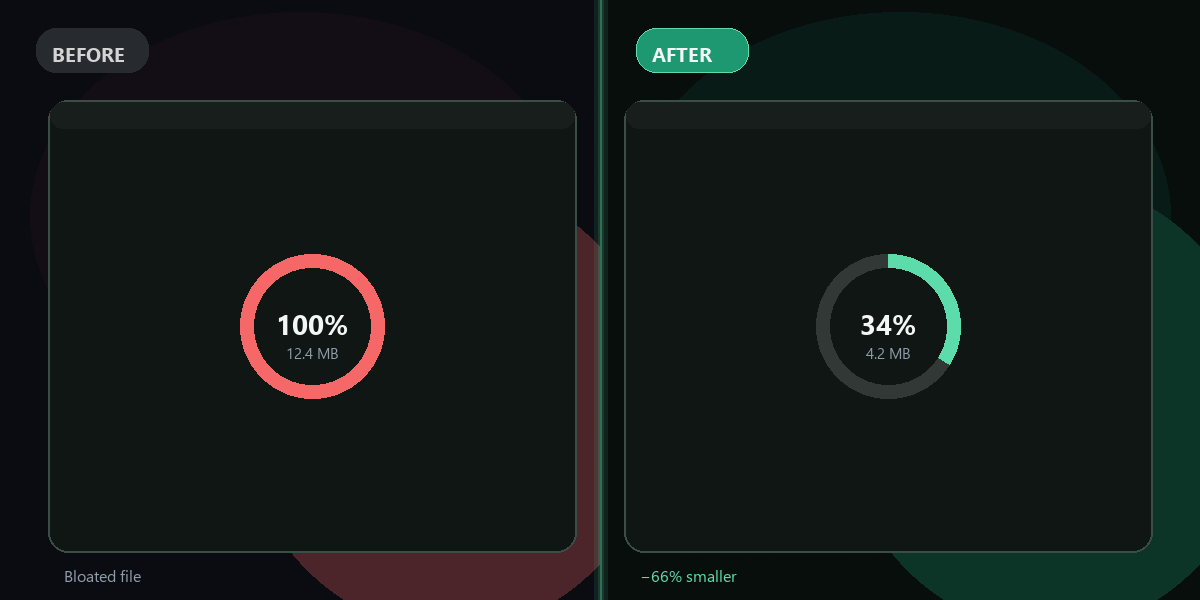
Typically 50–65% smaller.
Why FixTheFile
Smaller images, same look
Faster websites
Smaller images load quicker on pages and shops.
Email-friendly
Stay under attachment limits.
Social media ready
Meet upload size caps on Instagram, LinkedIn, etc.
No Photoshop needed
One-click in the browser.
Before/after size
See savings before download.
Free first fix
Try without signing up.
How do I reduce a photo file size?+
Upload to FixTheFile and select Compress file.
JPG or PNG — which compresses more?+
JPG usually compresses more; PNG with transparency may save less.
Will my photo look worse?+
FixTheFile uses quality-aware compression — usually invisible to the eye.
Can I upscale after reducing?+
Yes — use Upscale image if you need higher resolution later.
Max file size?+
500MB per upload.
Ready to get started?
No software needed. Works on any device. First fix is free.
Reduce my image size free