
Generate subtitles from video online — free
Need text captions for your video? Get an accurate transcript of the spoken audio instantly — no app, no signup, no watermark.
- No watermarks
- Works on mobile
- First fix free, no signup
 FixTheFile AI Studio
- 1Upload
- 2Pick a fix
- 3Download
- 1Upload
- 2Pick a fix
- 3Download
Drop any file. AI picks the fix.
Images, audio, video, PDF, Word and ZIP — up to 500MB. Or click anywhere to browse.
image → upscale · audio → clean noise · video → extract audio · pdf → text · zip → repair
How it works
How to generate subtitles from a video
Upload your video
Drag and drop your video file — any common format works.
Select "Transcribe speech"
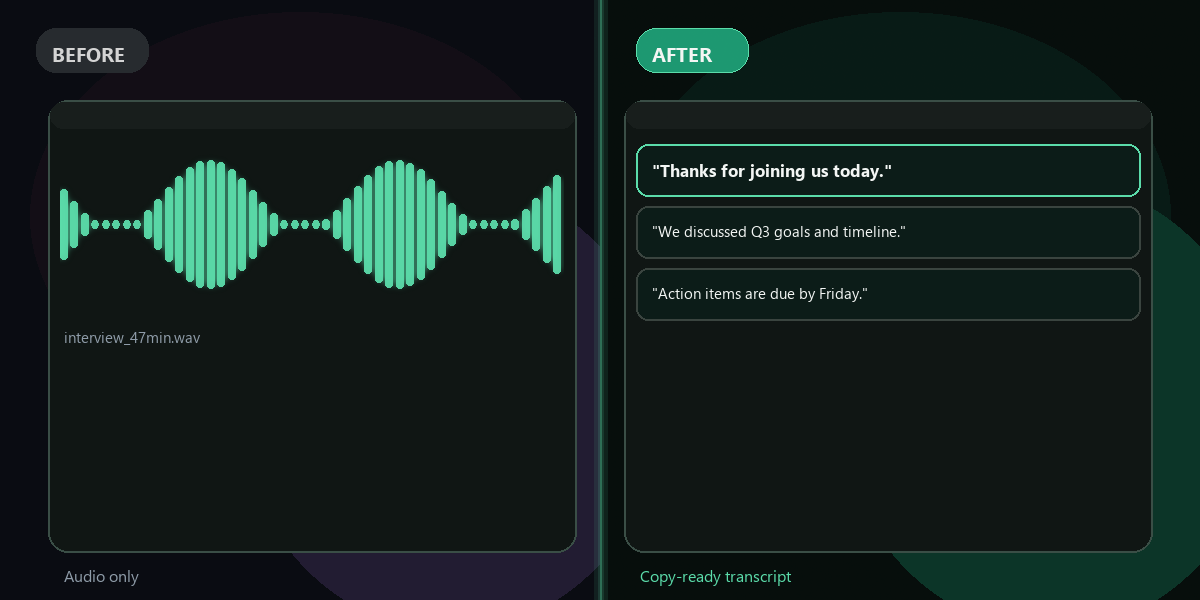
FixTheFile converts the spoken audio into accurate written text.
Download your text
Your transcript downloads directly — use it to add captions to your video.
Why FixTheFile
The easiest video subtitle generator
Accurate AI transcription
Captures spoken words with high accuracy
No watermark
Your transcript is clean, no branding added
No signup needed
Convert instantly, no account or email required
Works on any device
Browser-based, no app to install on Mac, Windows, or Android
Private and secure
Files not stored permanently, never shared
Great for accessibility and social media
Captions boost watch time and reach
How do I generate subtitles for my video for free?+
Upload your video to FixTheFile and select "Transcribe speech". You'll get an accurate text transcript of the spoken audio, which you can use as subtitles.
Does this give me a subtitle file format like SRT?+
FixTheFile currently outputs plain text. You may need to format the timing manually or use a separate tool to convert it into a timed subtitle file like SRT.
Why do videos need subtitles?+
Subtitles improve accessibility for deaf or hard-of-hearing viewers, and on social media, captioned videos are often watched longer since many people watch with sound off.
Can I transcribe just the audio if my video is large?+
Yes — use FixTheFile's "Extract audio from video" tool first to pull out just the audio track, which can make the file smaller and faster to process.
Does this work for videos in other languages?+
Yes — FixTheFile's transcription supports most languages, not just English.
Related tools
More file fixing tools
Ready to generate subtitles for your video?
No software needed. Works on any device. First fix is free.
Generate subtitles free