
Fix blurry photos online — free
Sharpen out-of-focus, pixelated, or low-resolution photos instantly with AI. No software, no signup — just upload and download.
- No watermarks
- Works on mobile
- First fix free, no signup
 FixTheFile AI Studio
- 1Upload
- 2Pick a fix
- 3Download
- 1Upload
- 2Pick a fix
- 3Download
Drop any file. AI picks the fix.
Images, audio, video, PDF, Word and ZIP — up to 500MB. Or click anywhere to browse.
image → upscale · audio → clean noise · video → extract audio · pdf → text · zip → repair
How it works
How to fix a blurry photo online
Upload your blurry photo
Drop any JPG, PNG, WEBP, or HEIC image — up to 500MB.
Select "Upscale image"
AI reconstructs missing detail and sharpens the entire image.
Download the sharp result
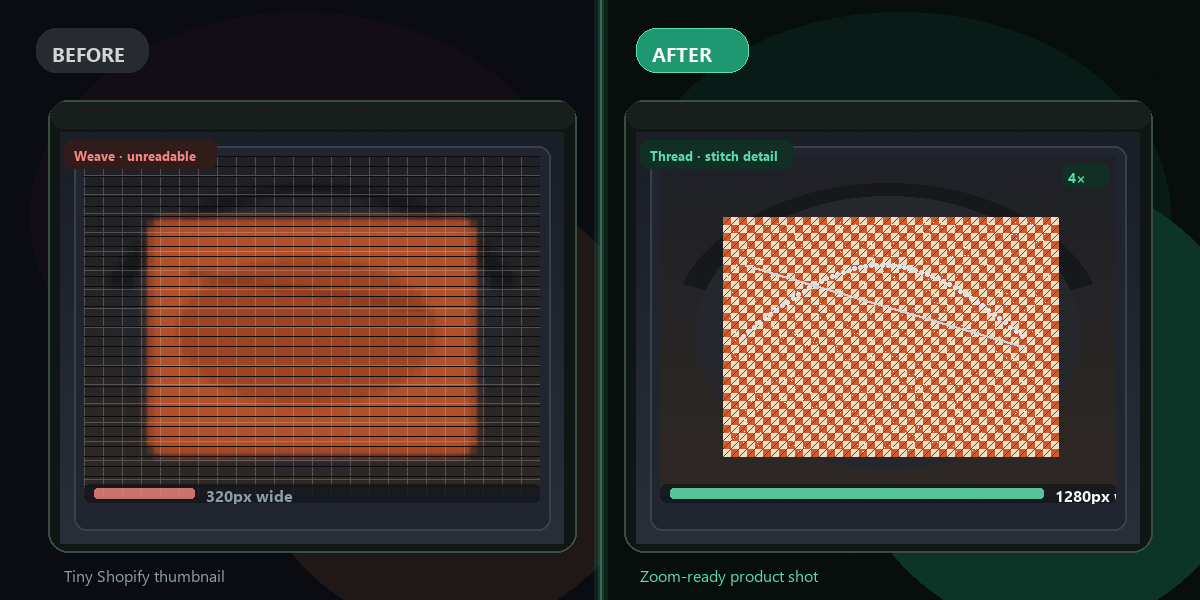
Your fixed photo is ready in seconds, up to 4× the original resolution.
Why FixTheFile
The best online blurry photo fixer
AI-powered sharpening
Real-ESRGAN reconstructs detail, not just sharpens edges
Up to 4× resolution
Recover lost detail from compressed or low-res photos
Free, no signup
Fix your first blurry photo instantly, no account required
Works on any device
Browser-based, no software to download
Great for old photos
Restore vintage or scanned photos to sharp clarity
Private and secure
Files stay available until you upload a new file or leave the page
Can I fix a blurry photo online for free?+
Yes — FixTheFile uses AI (Real-ESRGAN) to sharpen blurry, pixelated, or out-of-focus photos for free. Upload your image and get a sharp result in seconds. No signup needed.
What causes blurry photos?+
Blurry photos are caused by camera motion, slow shutter speed, low resolution, heavy compression (like from WhatsApp or social media), or shooting in low light. AI can fix most of these cases.
Can AI actually fix a blurry photo?+
AI can significantly sharpen photos that are blurry due to low resolution or compression. It reconstructs fine details rather than just sharpening edges. Motion blur from camera shake is harder to fix perfectly, but AI still produces a noticeably better result.
Can I fix old scanned photos?+
Yes — FixTheFile works great on scanned old photos that appear soft or low-resolution. AI upscaling can make vintage photos look dramatically sharper.
What formats are supported?+
FixTheFile accepts JPG, PNG, WEBP, GIF, and HEIC images. The sharpened result is delivered as a high-quality PNG.
Related tools
More image fixing tools
Ready to sharpen your photo?
No software needed. Works on any device. First fix is free.
Fix my blurry photo free