
Restore old photos online — free
Faded, blurry, or low-resolution old photos? Sharpen and enhance them instantly with AI — no app, no signup, no watermark.
- No watermarks
- Works on mobile
- First fix free, no signup
 FixTheFile AI Studio
- 1Upload
- 2Pick a fix
- 3Download
- 1Upload
- 2Pick a fix
- 3Download
Drop any file. AI picks the fix.
Images, audio, video, PDF, Word and ZIP — up to 500MB. Or click anywhere to browse.
image → upscale · audio → clean noise · video → extract audio · pdf → text · zip → repair
How it works
How to restore an old photo
Upload your old photo
Drag and drop a scanned or photographed old picture — any common image format works.
Select "Upscale image"
FixTheFile's AI sharpens detail and increases resolution automatically.
Download your restored photo
Your enhanced photo downloads directly — no email needed.
Why FixTheFile
AI-powered old photo restoration
AI-powered restoration
Sharpens detail and reduces blur automatically
No watermark
Your restored photo is clean, no branding added
No signup needed
Convert instantly, no account or email required
Works on any device
Browser-based, no app to install on Mac, Windows, or Android
Private and secure
Files not stored permanently, never shared
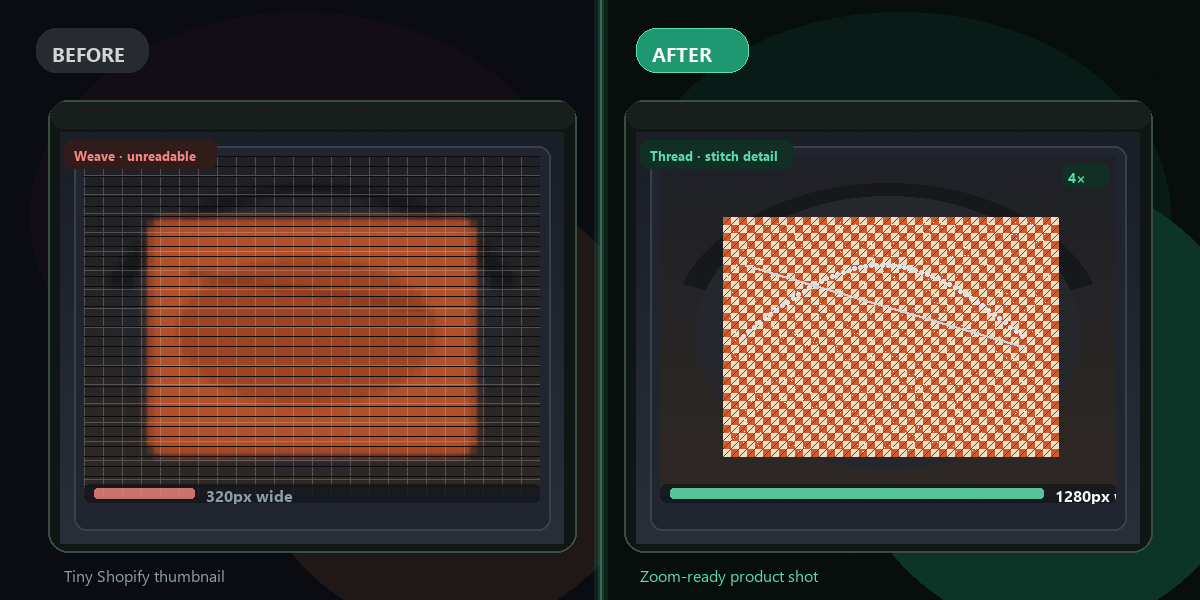
Up to 4× resolution boost
Great for scanned family photos
How do I restore an old photo for free?+
Upload your old photo to FixTheFile and select "Upscale image". The AI sharpens detail and increases resolution, and your restored photo downloads instantly.
Can this fix scratches or torn photos?+
FixTheFile's upscaling improves sharpness, detail, and resolution, but it doesn't remove physical damage like scratches, tears, or stains.
Will this work on a photo I scanned from a printed picture?+
Yes — scanned photos work well, especially when the scan itself is reasonably clear, even if the original photo is old or faded.
How much can the resolution be improved?+
FixTheFile can upscale images up to 4× their original resolution, which is often enough to make old, small photos usable for printing or sharing again.
Does this remove the faded yellow/sepia tint from old photos?+
No — FixTheFile focuses on sharpening detail and resolution, not color correction. The original color tone of the photo will be preserved.
Related tools
More file fixing tools
Ready to restore your old photo?
No software needed. Works on any device. First fix is free.
Restore my photo free