
Enhance photo quality online — free
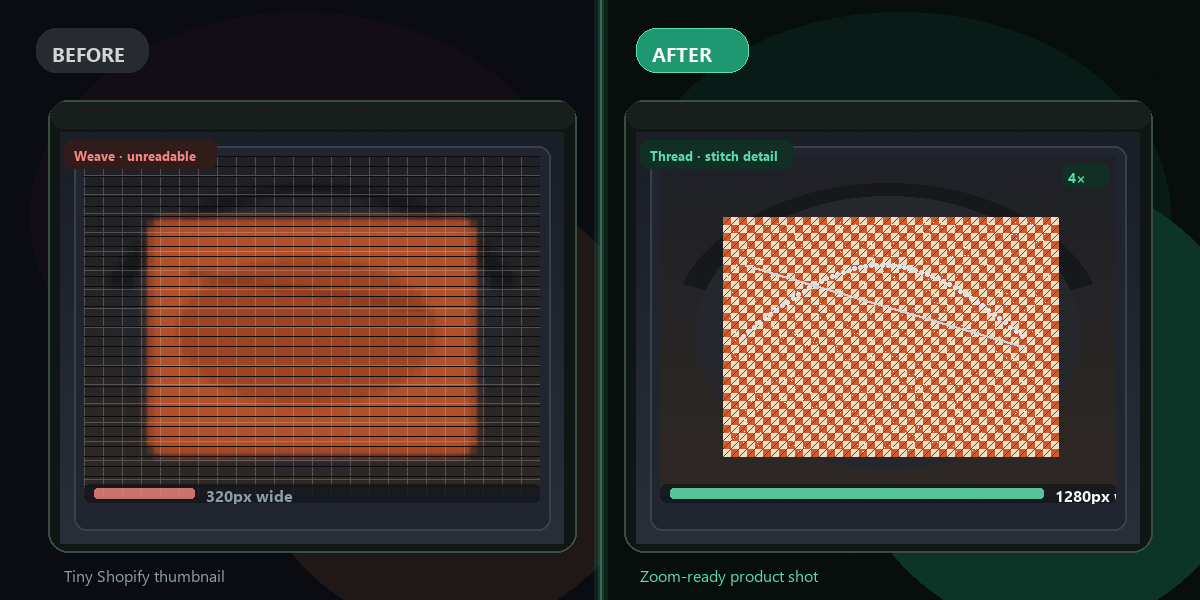
Want your photos to look sharper before posting or sharing? Enhance them instantly with AI — no app, no signup, no watermark.
- No watermarks
- Works on mobile
- First fix free, no signup
 FixTheFile AI Studio
- 1Upload
- 2Pick a fix
- 3Download
- 1Upload
- 2Pick a fix
- 3Download
Drop any file. AI picks the fix.
Images, audio, video, PDF, Word and ZIP — up to 500MB. Or click anywhere to browse.
image → upscale · audio → clean noise · video → extract audio · pdf → text · zip → repair
How it works
How to enhance photo quality
Upload your photo
Drag and drop any photo you want to enhance.
Select "Upscale image"
FixTheFile's AI sharpens detail and improves overall quality.
Download your enhanced photo
Your improved photo downloads directly — no email needed.
Why FixTheFile
The easiest AI photo enhancer
Sharper detail
AI enhancement improves clarity automatically
No watermark
Your enhanced photo is clean, no branding added
No signup needed
Convert instantly, no account or email required
Works on any device
Browser-based, no app to install on Mac, Windows, or Android
Private and secure
Files not stored permanently, never shared
Great before posting to social media
Sharper photos stand out more
How do I enhance photo quality for free?+
Upload your photo to FixTheFile and select "Upscale image". The AI enhances detail and quality automatically, and your file downloads instantly.
Will this fix a photo that's out of focus?+
FixTheFile can sharpen and add detail, which helps with mild blur, but it cannot fully correct a photo that's severely out of focus.
Does enhancing reduce my photo's file size?+
Typically the file size increases slightly since resolution and detail increase, rather than decreasing.
Is this good for profile pictures and social media posts?+
Yes — sharper, higher-quality images tend to look more professional and stand out better when posted on social platforms.
Can I enhance a screenshot, not just a photo?+
Yes — FixTheFile works on most image types, including screenshots, though results are typically most noticeable on photos.
Related tools
More file fixing tools
Ready to enhance your photo?
No software needed. Works on any device. First fix is free.
Enhance my photo free