
Remove background from your profile picture — free
Get a clean, professional-looking headshot for LinkedIn, resumes, or social media — no app, no signup, no watermark.
- No watermarks
- Works on mobile
- First fix free, no signup
 FixTheFile AI Studio
- 1Upload
- 2Pick a fix
- 3Download
- 1Upload
- 2Pick a fix
- 3Download
Drop any file. AI picks the fix.
Images, audio, video, PDF, Word and ZIP — up to 500MB. Or click anywhere to browse.
image → upscale · audio → clean noise · video → extract audio · pdf → text · zip → repair
How it works
How to clean up your profile picture
Upload your photo
Drag and drop your headshot or selfie — any photo works.
Select "Remove background"
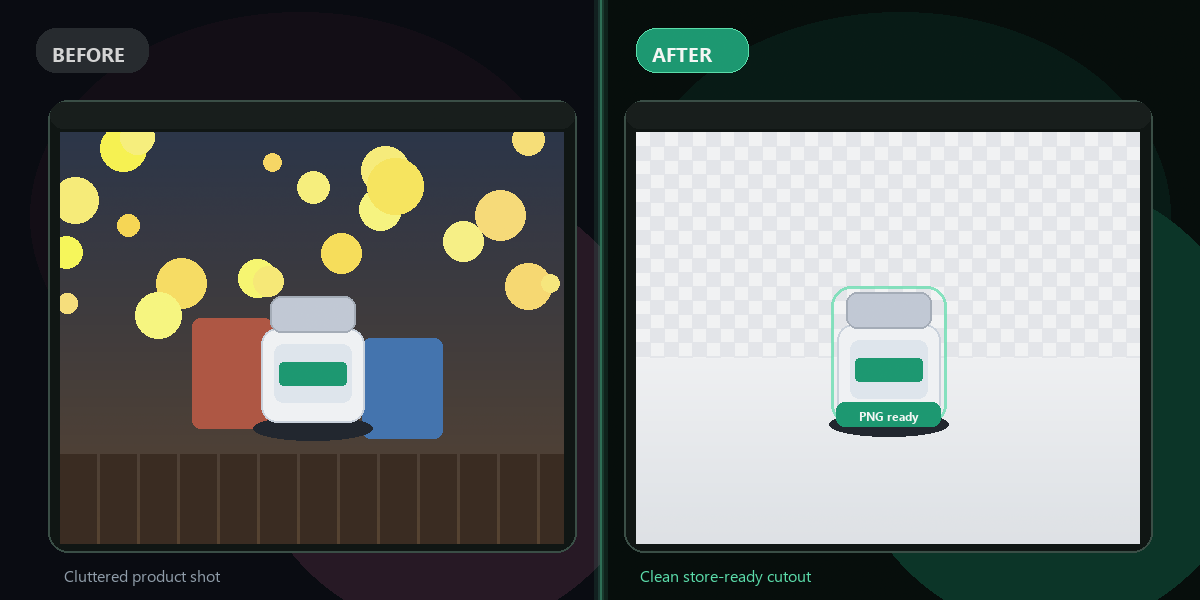
FixTheFile removes the background, leaving just you in focus.
Download your photo
Download your clean profile picture, ready to upload anywhere.
Why FixTheFile
The easiest profile picture background remover
Professional look
Instantly removes distracting backgrounds from any photo
No watermark
Your photo is clean and ready to use, no branding added
No signup needed
Convert instantly, no account or email required
Works on any device
Browser-based, no app to install on Mac, Windows, or Android
Private and secure
Files not stored permanently, never shared
White, transparent, or solid color
Choose the background style you need
How do I remove the background from my profile picture for free?+
Upload your photo to FixTheFile and select "Remove background". Your clean profile picture downloads instantly, ready for LinkedIn or resumes.
Is this good enough for a LinkedIn profile photo?+
Yes — a clean, distraction-free background is exactly what's recommended for professional profile photos on LinkedIn and similar platforms.
Can I add a plain colored background instead of removing it entirely?+
FixTheFile removes the background to transparent or white by default. You can then add any background color using basic photo editing if needed.
Will this work with a selfie taken on my phone?+
Yes — a clear, well-lit selfie or photo works well for background removal.
Does this make the photo look fake or edited?+
FixTheFile uses AI edge detection to keep the result looking natural, but very low-quality or blurry source photos may show some rough edges.
Related tools
More file fixing tools
Ready to fix your profile picture?
No software needed. Works on any device. First fix is free.
Remove background free