
Increase image resolution online — free
Need a higher resolution photo for printing or a project? Boost it instantly with AI — no app, no signup, no watermark.
- No watermarks
- Works on mobile
- First fix free, no signup
 FixTheFile AI Studio
- 1Upload
- 2Pick a fix
- 3Download
- 1Upload
- 2Pick a fix
- 3Download
Drop any file. AI picks the fix.
Images, audio, video, PDF, Word and ZIP — up to 500MB. Or click anywhere to browse.
image → upscale · audio → clean noise · video → extract audio · pdf → text · zip → repair
How it works
How to increase image resolution
Upload your image
Drag and drop any photo — any common image format works.
Select "Upscale image"
FixTheFile's AI increases resolution while keeping detail sharp.
Download your high-res image
Your enhanced image downloads directly — no email needed.
Why FixTheFile
The easiest way to increase image resolution
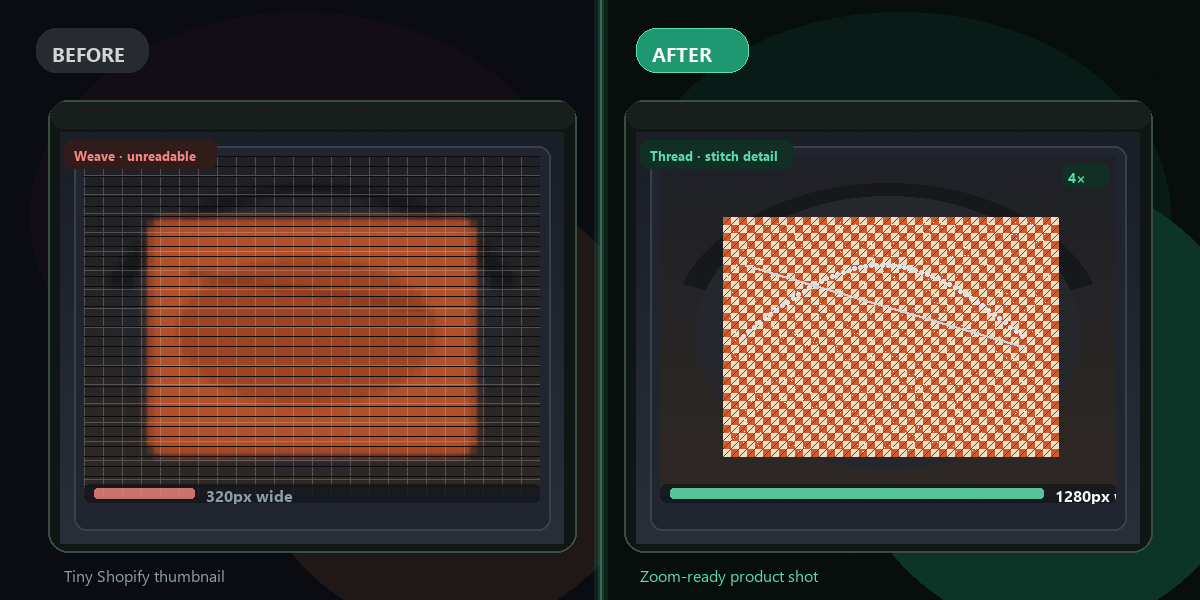
Up to 4× resolution
Turns small images into print-ready files
No watermark
Your enhanced image is clean, no branding added
No signup needed
Convert instantly, no account or email required
Works on any device
Browser-based, no app to install on Mac, Windows, or Android
Private and secure
Files not stored permanently, never shared
Great for printing, posters, and presentations
Not just screens
How do I increase image resolution for free?+
Upload your image to FixTheFile and select "Upscale image". The resolution increases automatically, and your file downloads instantly.
Will increasing resolution make my image blurry or pixelated?+
No — FixTheFile uses AI to add realistic detail as it increases resolution, rather than just stretching the existing pixels, which is what causes blurriness in basic resizing.
What resolution do I need for printing?+
For most printing, 300 DPI at your target print size is recommended. FixTheFile's 4× boost is often enough to bring a small web image up to print quality.
Does this work for both photos and graphics?+
Yes — FixTheFile works on photos, screenshots, and most graphic images, though results are generally best on photos.
Is there a limit to how large I can upscale an image?+
FixTheFile currently supports up to 4× the original resolution in a single conversion.
Related tools
More file fixing tools
Ready to boost your image resolution?
No software needed. Works on any device. First fix is free.
Increase resolution free